
AI virtual staging for Canadian listings
Upload a photo of an empty room, choose the room type and a style, and get a furnished, photo-real version of the same room — same walls, same windows, same floor plan. Built for realtors and sellers who need vacant rooms to show their potential in listing photos.
5 free designs every 30 days · sign in with Google
Upload the empty room
A straight-on photo in daylight, with as much of the floor and walls in frame as possible. JPG, PNG and iPhone HEIC all work.
Pick the room and the style
Choose from 29 room types — living room, bedroom, kitchen, office, basement, home theatre and more — and one of 31 styles.
Download and list
The staged image keeps the room’s structure, so it reads as the real space. Generate a few styles and pick the one that suits the buyer you are marketing to.
Shoot the room so the staging looks real
Virtual staging can only work with what the photo shows. Shoot from a corner or doorway at chest height so two walls and most of the floor are visible, turn the lights on, and open the blinds. Avoid wide-angle distortion where you can — straight vertical lines make furniture sit naturally.
Clear anything that should not stay in the picture: boxes, ladders, cords. The model keeps the room’s structure — walls, windows and floor plan — so a tidy, evenly lit room gives the cleanest result.
When to stage virtually, and when to book a stager
Virtual staging is the fast, low-cost option for vacant rooms and listing photos: buyers scrolling a listing see a furnished, scaled room instead of an empty box. It costs a fraction of renting furniture and takes minutes rather than days.
A person in the room still matters when the property will be shown in person, needs repairs or decluttering, or the furniture that is there works against it. That is what a staging consultation is for — and it includes virtual staging of your listing photos.
Label staged photos in your listing
Many brokerages and listing services expect virtually staged photos to be identified as such, so buyers are not misled about what comes with the home. Check your brokerage’s and your board’s rules before you publish, label the staged images, and keep the original, unstaged photo available alongside them.
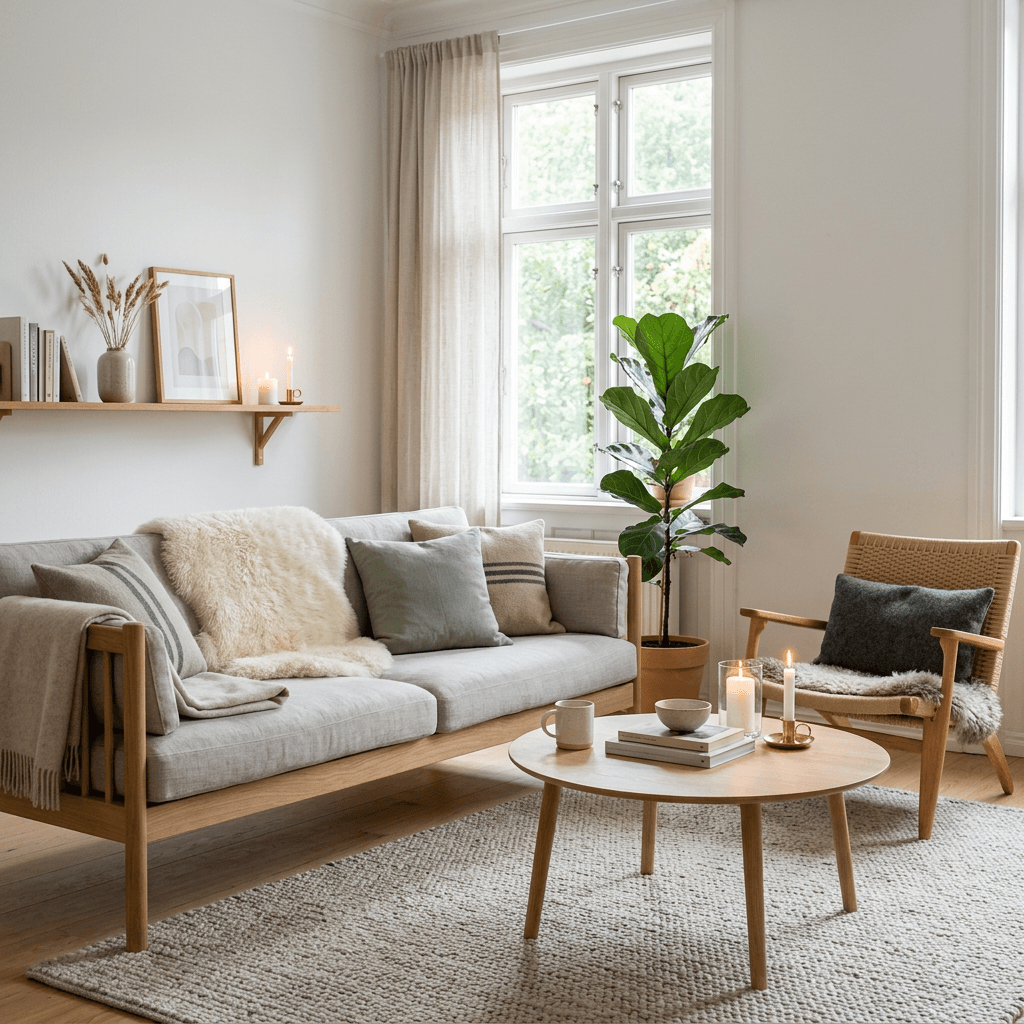
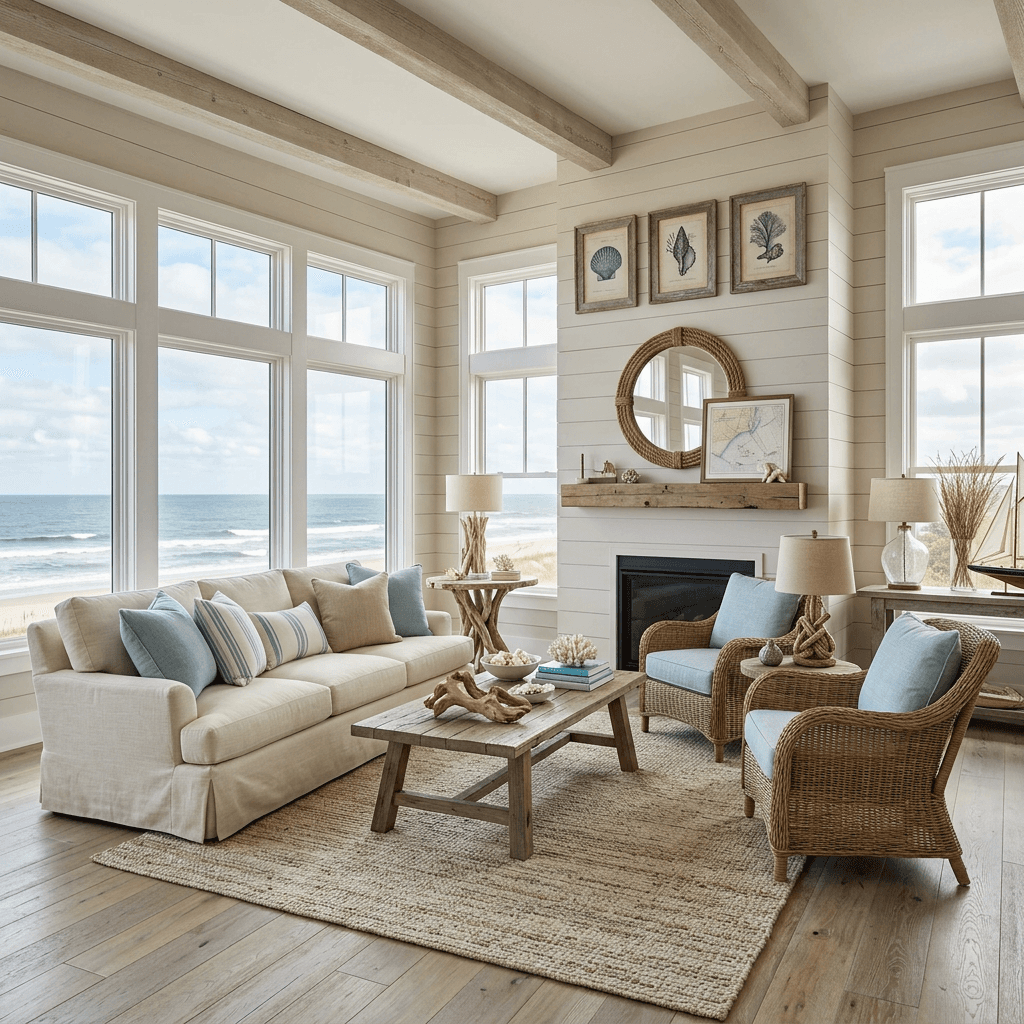
Styles you can stage in
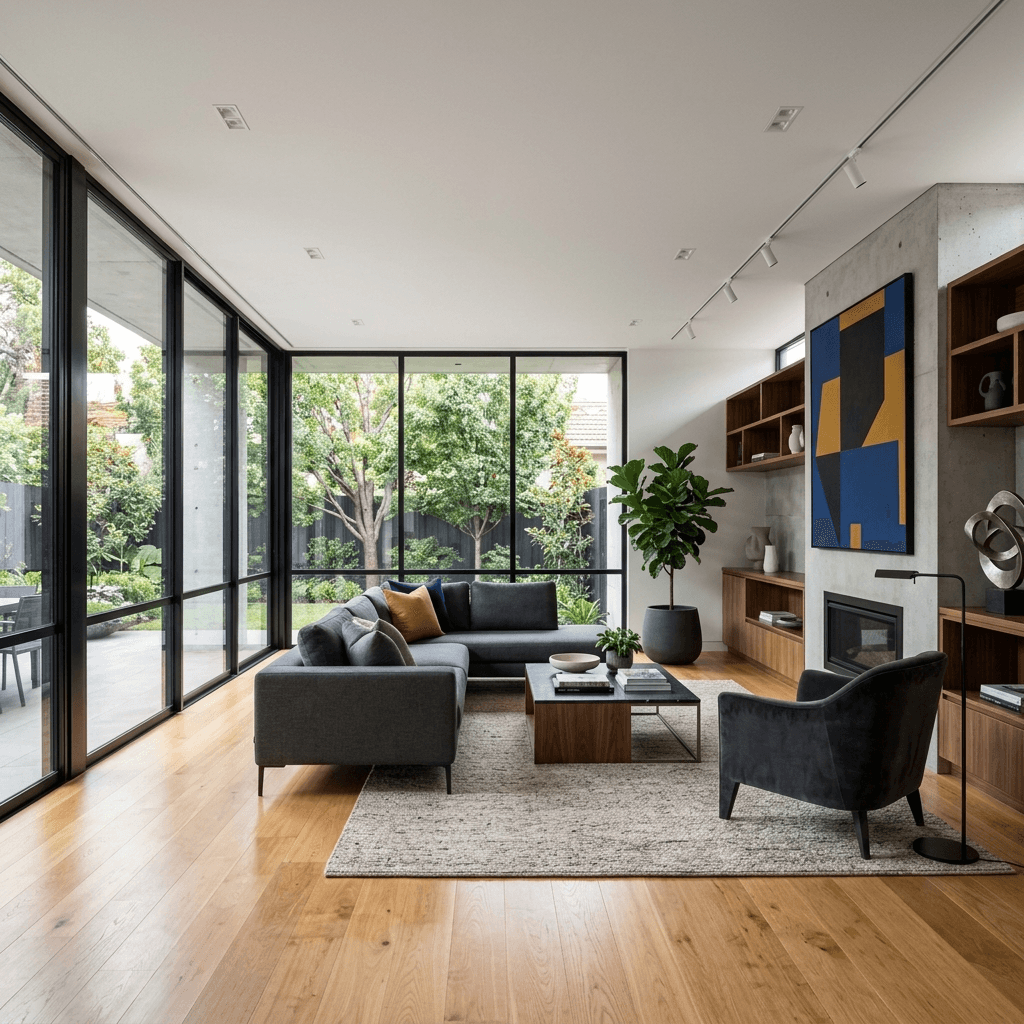
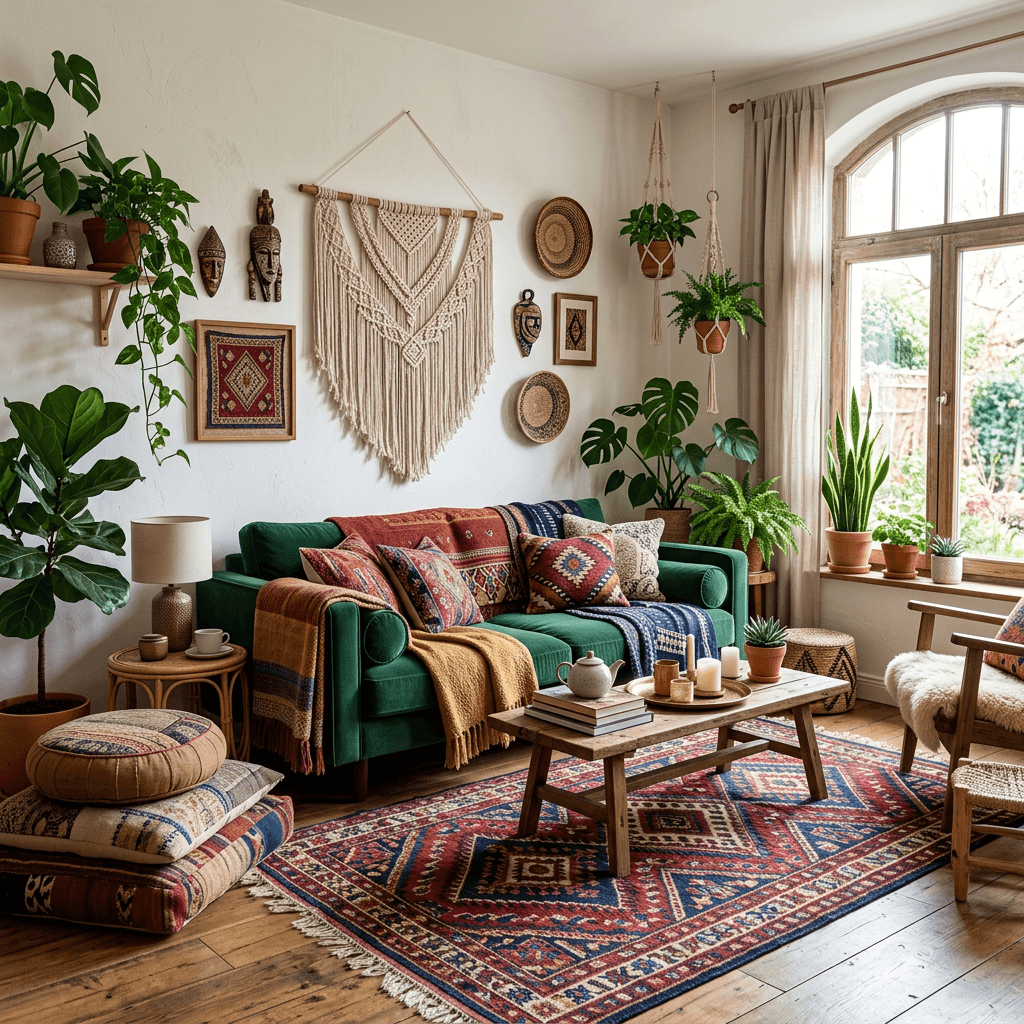
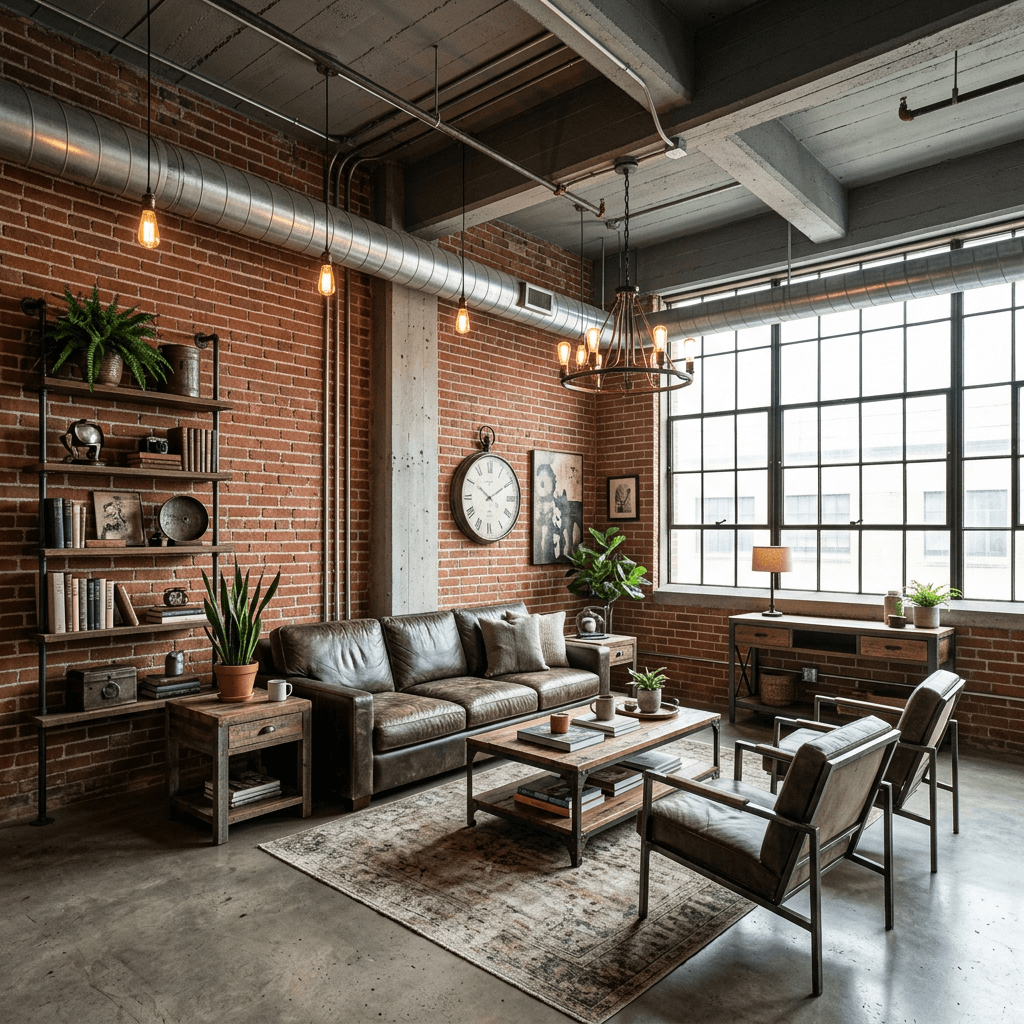
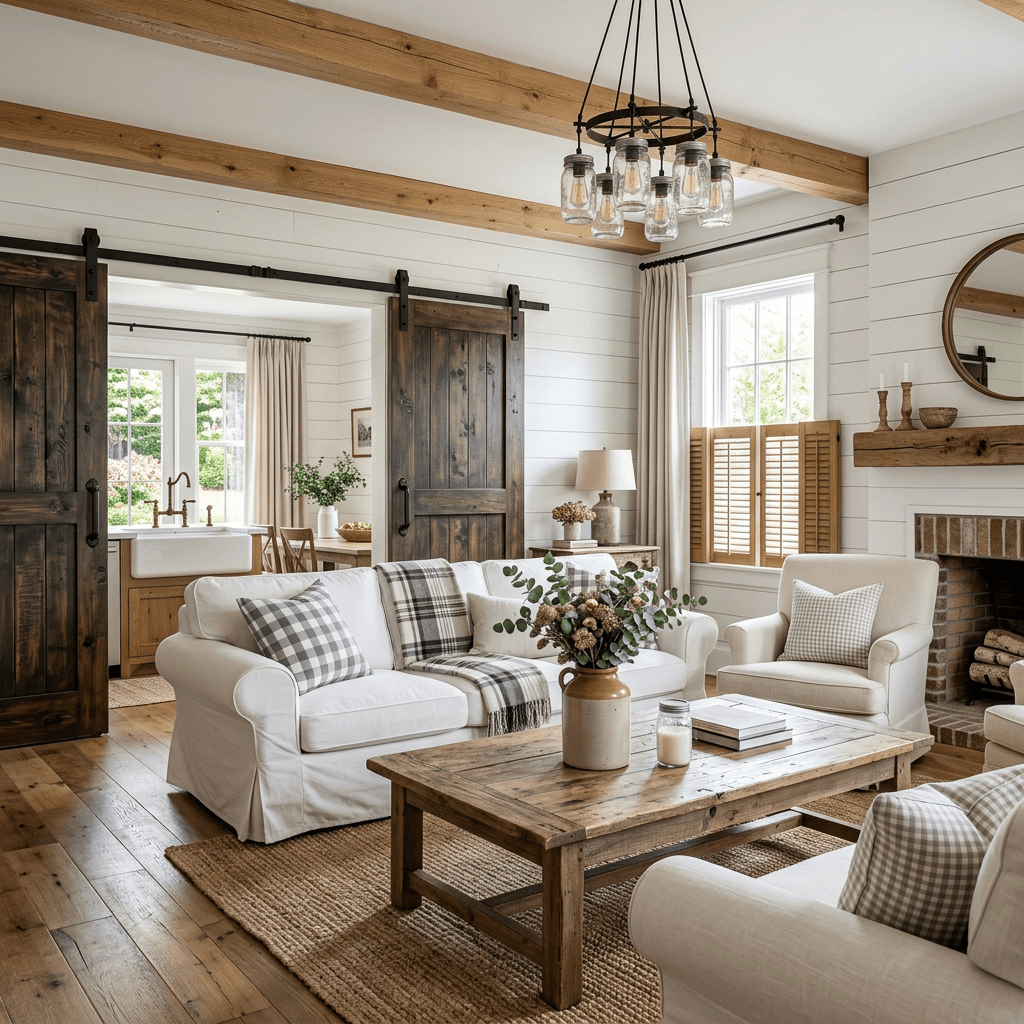
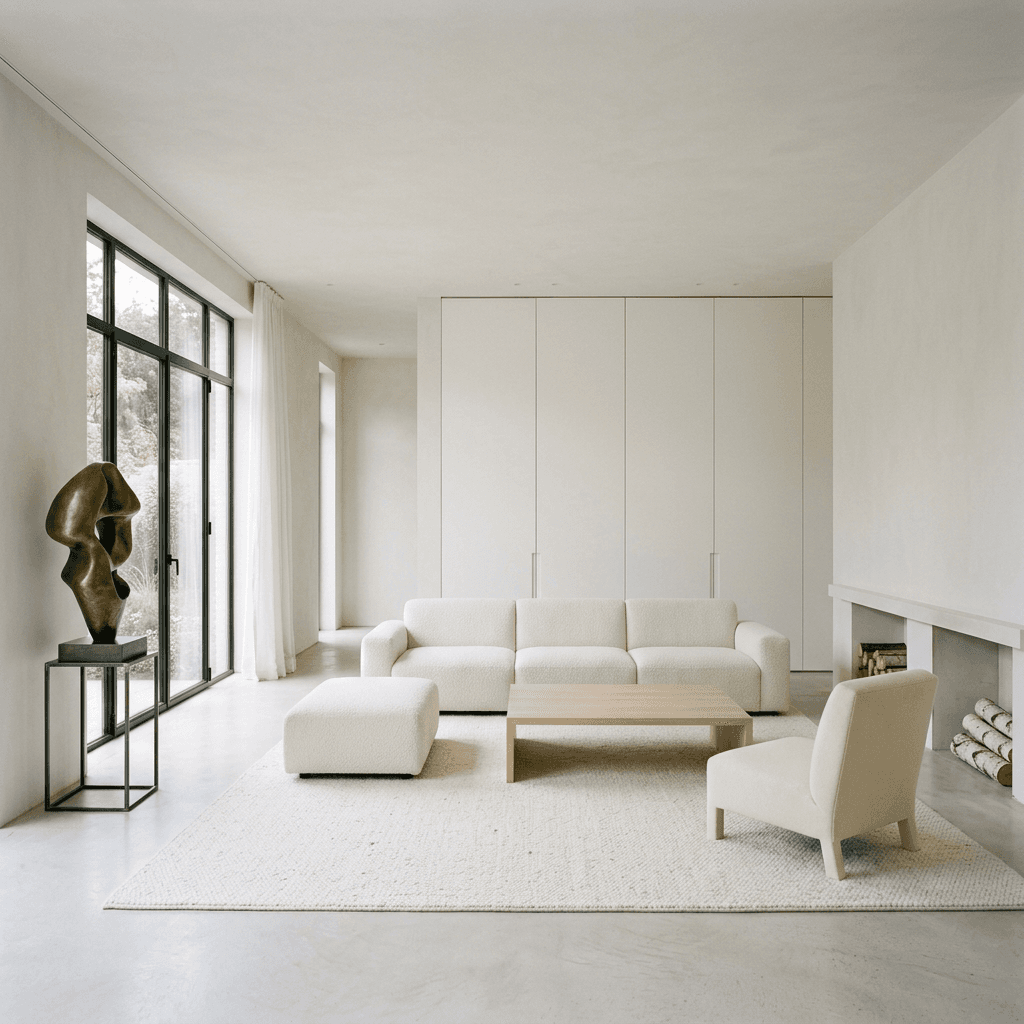
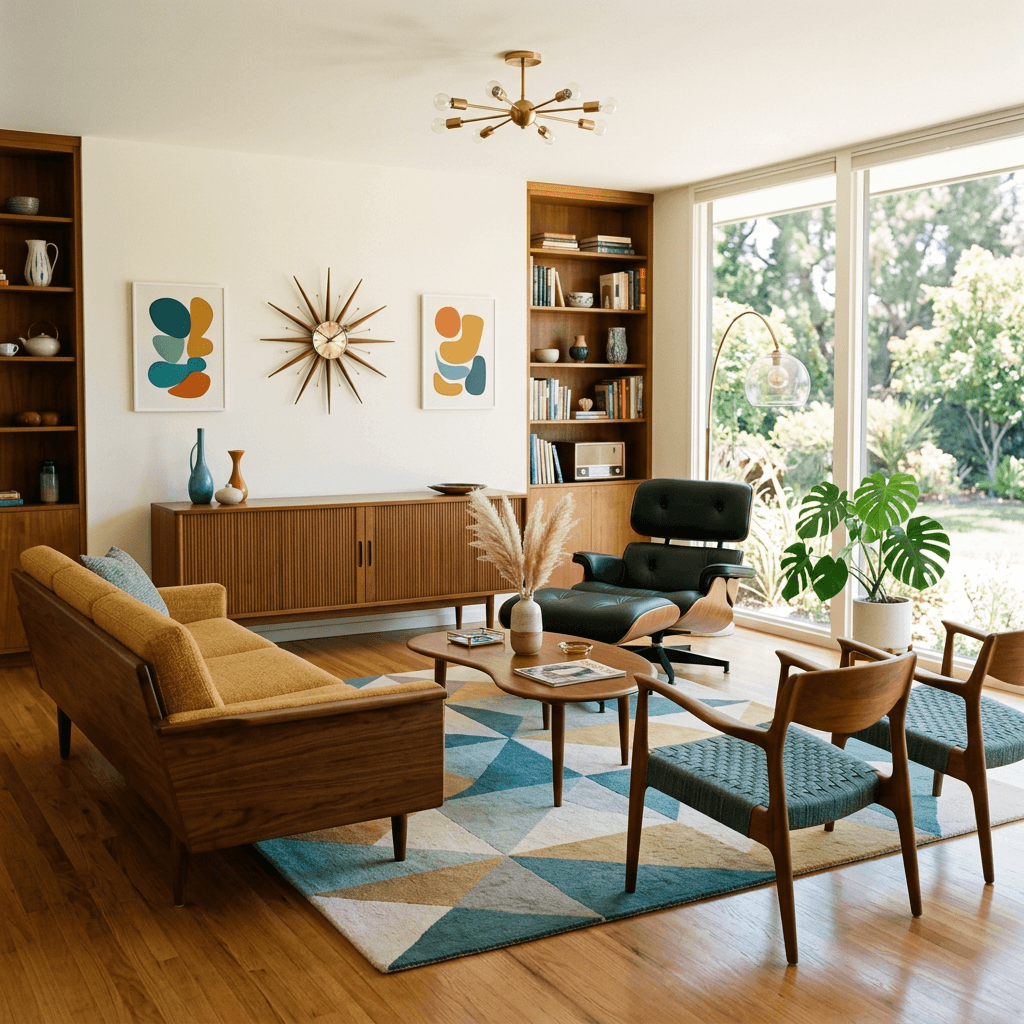
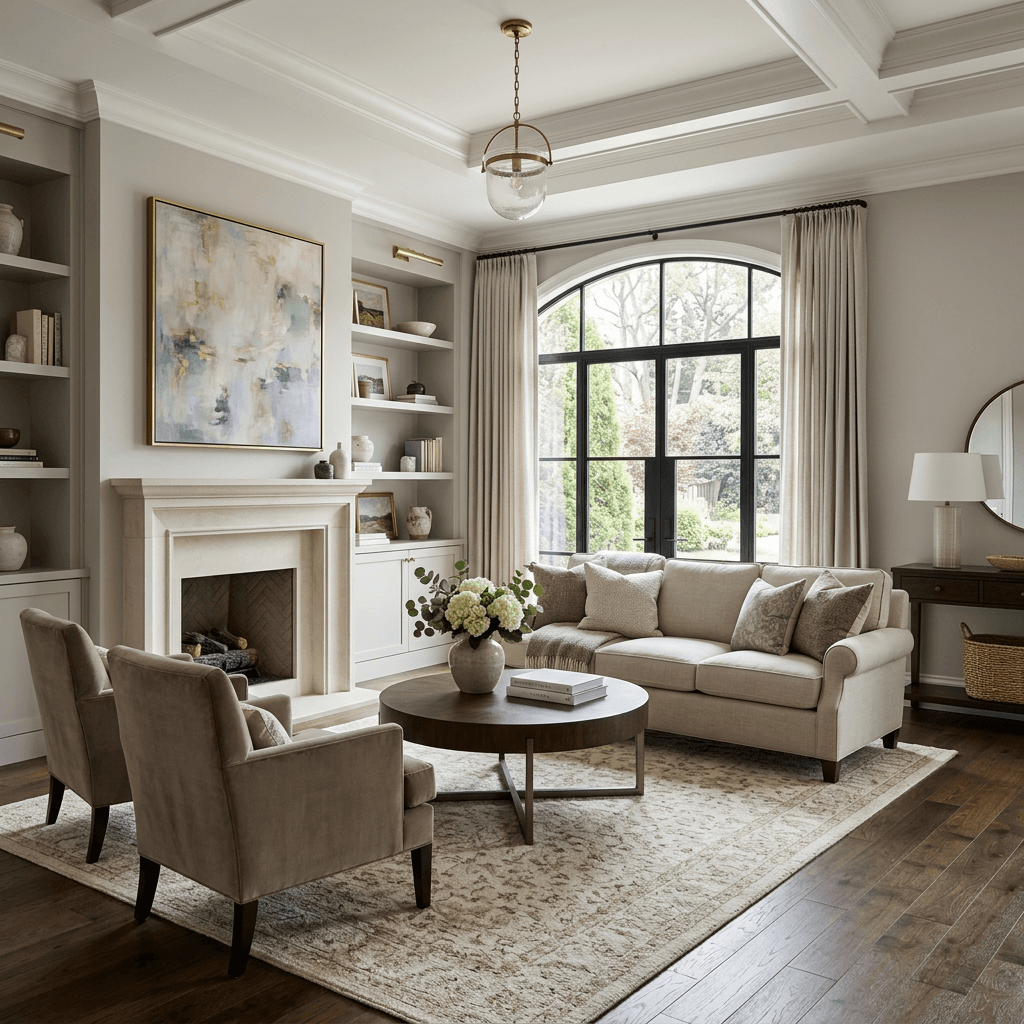
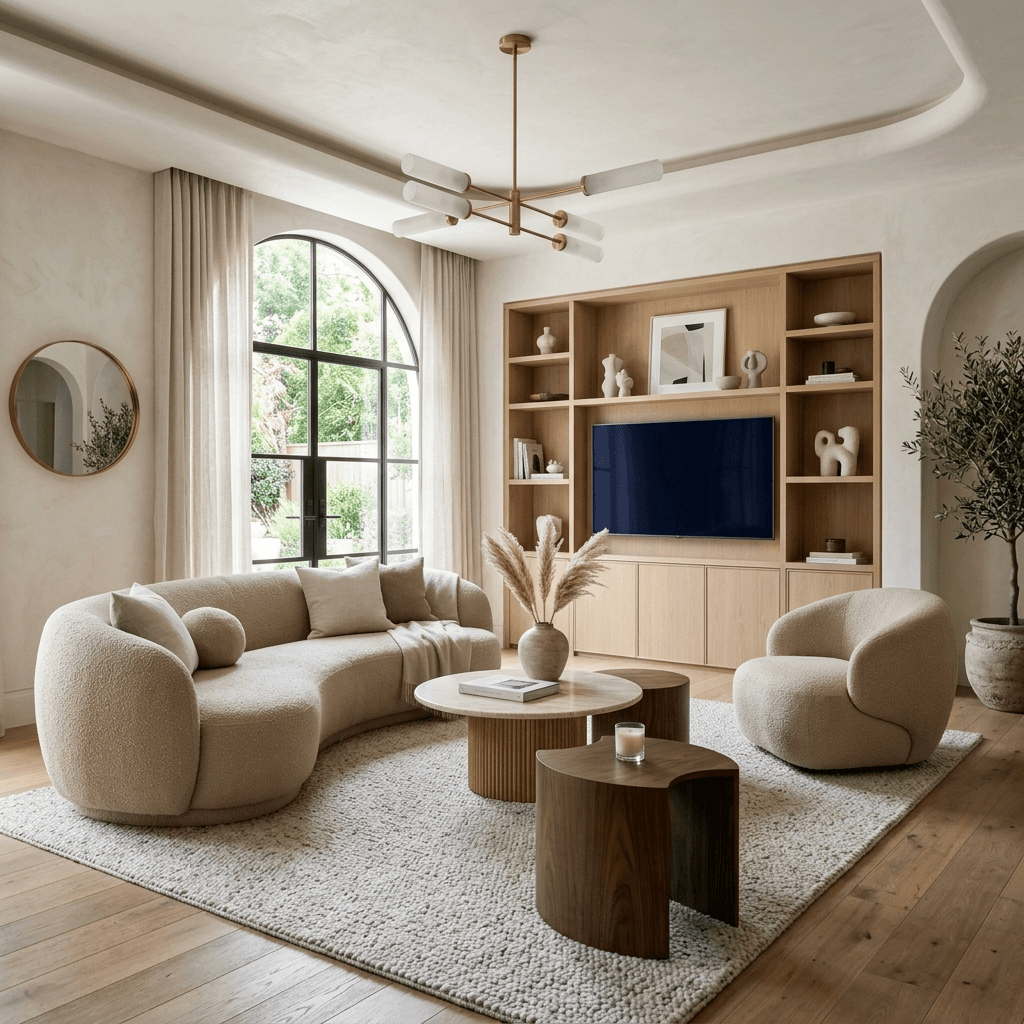
29 room types
- Living Room
- Dining Room
- Bedroom
- Bathroom
- Office
- Gaming Room
- Kitchen
- Garage
- Balcony
- Patio
- Gym
- Library
- Studio
- Laundry Room
- Basement
- Attic
- Hallway
- Staircase
- Closet
- Sunroom
- Mudroom
- Craft Room
- Music Room
- Home Theater
- Wine Cellar
- Conservatory
- Reading Room
- Playroom
- Guest Room
Selling in the Greater Toronto Area?
A professional stager walks the property before photos, gives you a room-by-room checklist, and virtually stages five of your listing photos — $229 CAD, fixed price.
See the staging consultationQuestions, answered
Will virtual staging change the walls, windows or floor?+
No — the model keeps the room’s structure: the walls, windows and floor plan stay as they are, and furniture and decor are added. That is what makes the staged photo read as the real room.
Which rooms can I stage?+
29 room types, including living room, dining room, bedroom, bathroom, office, gaming room, kitchen, garage and more specialised rooms like a home theatre, wine cellar or sunroom.
Can I use virtually staged photos in an MLS listing?+
Check your real estate board’s and brokerage’s rules before you publish — they decide what is allowed. Most expect virtually staged photos to be clearly labelled and not to misrepresent the property.
How long does it take?+
Usually under a minute per image once the photo is uploaded.
Is it free?+
Your first 5 designs are free every 30 days — sign in with Google and upload a photo. Free renders carry a small iDecor watermark. Paid plans start at $5 and remove the watermark.