
AI house exterior design from a photo
Thinking about new siding, a different colour, or a whole new look for the front of the house? Upload a photo of your home’s exterior and see it in a new architectural style — modern, farmhouse, Mediterranean, Scandinavian and more — before you call a contractor.
5 free designs every 30 days · sign in with Google
Photograph the front of the house
From the street or driveway, square-on, in daylight, with the whole facade in frame. Avoid cars and trees blocking the house.
Pick an architectural style
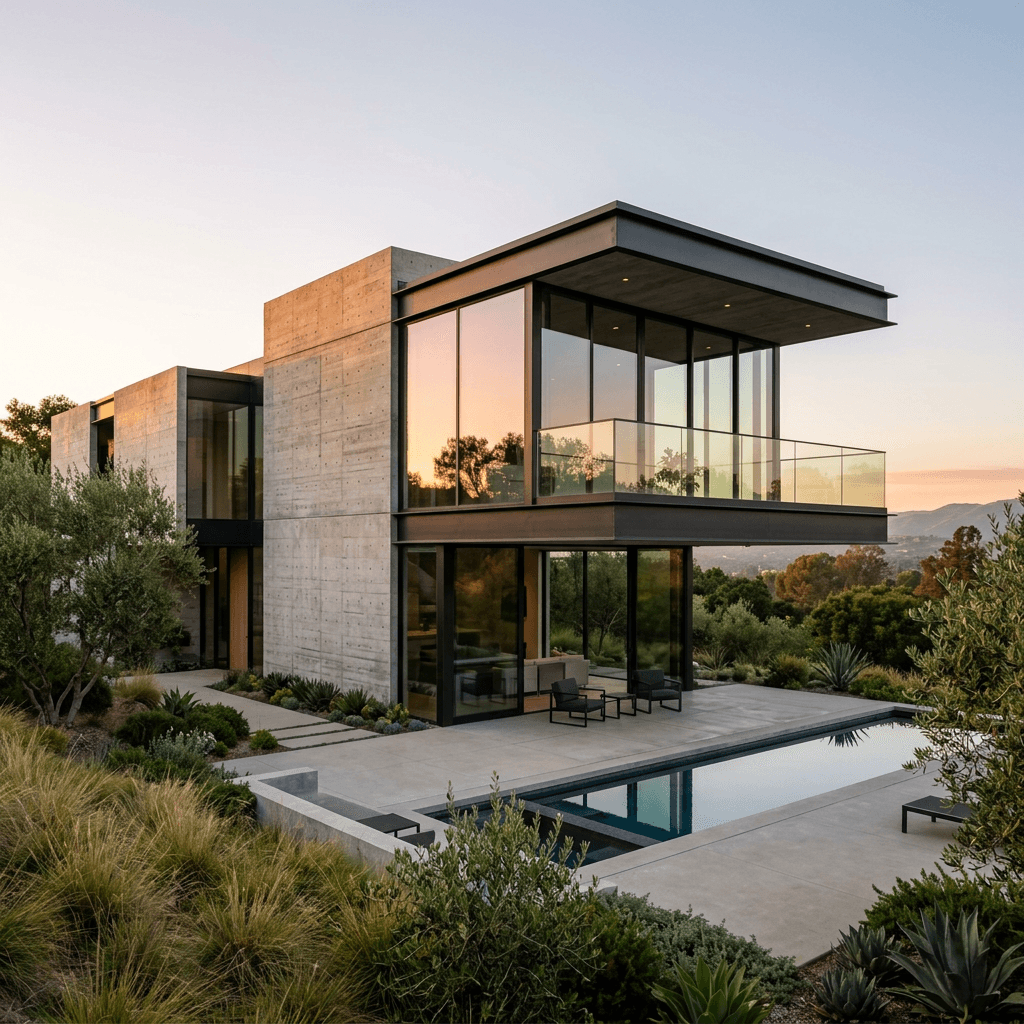
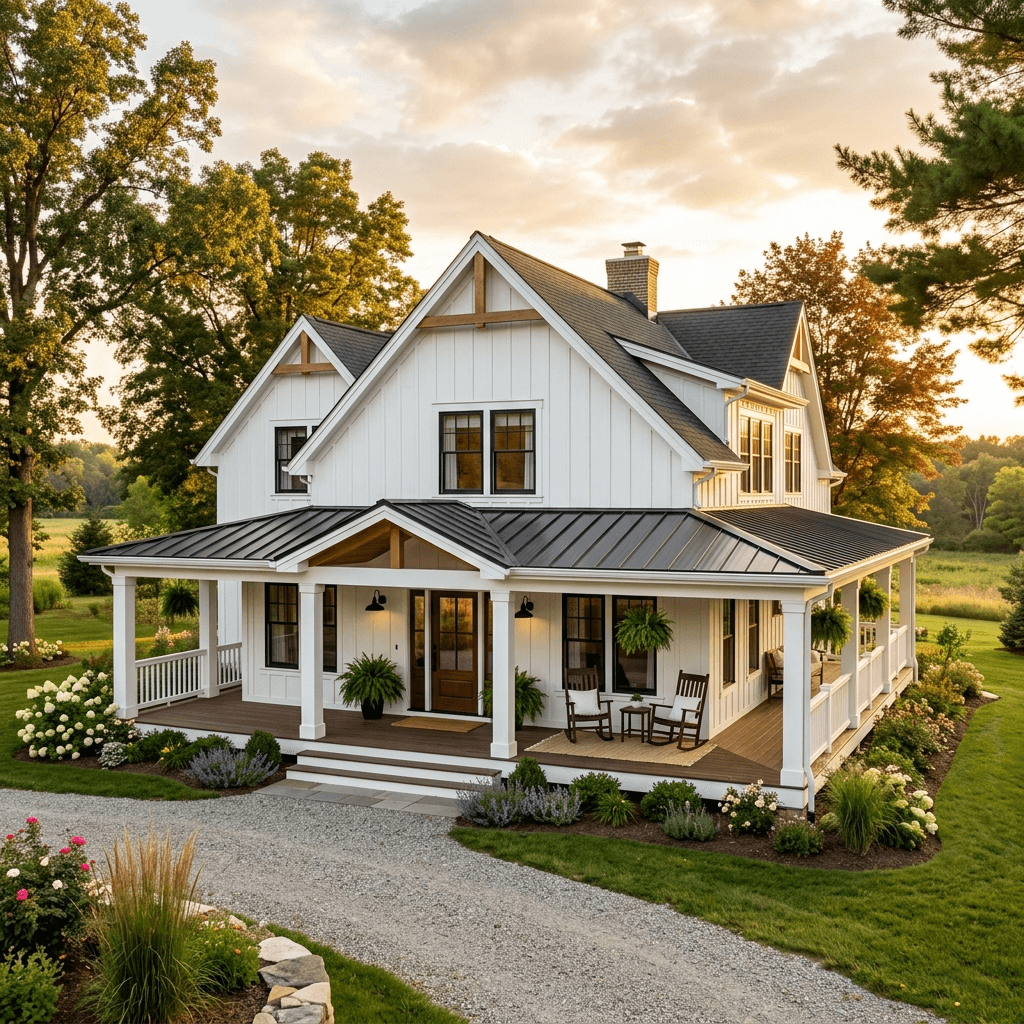
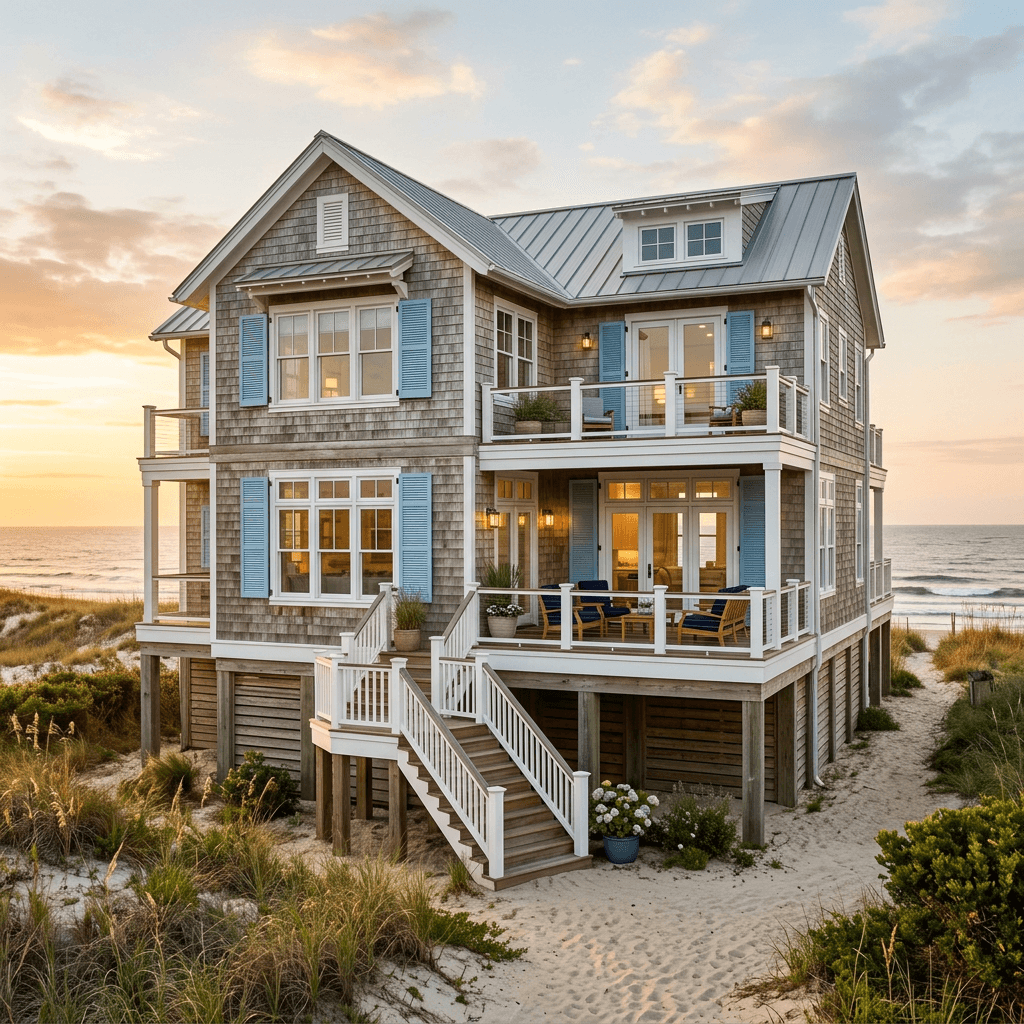
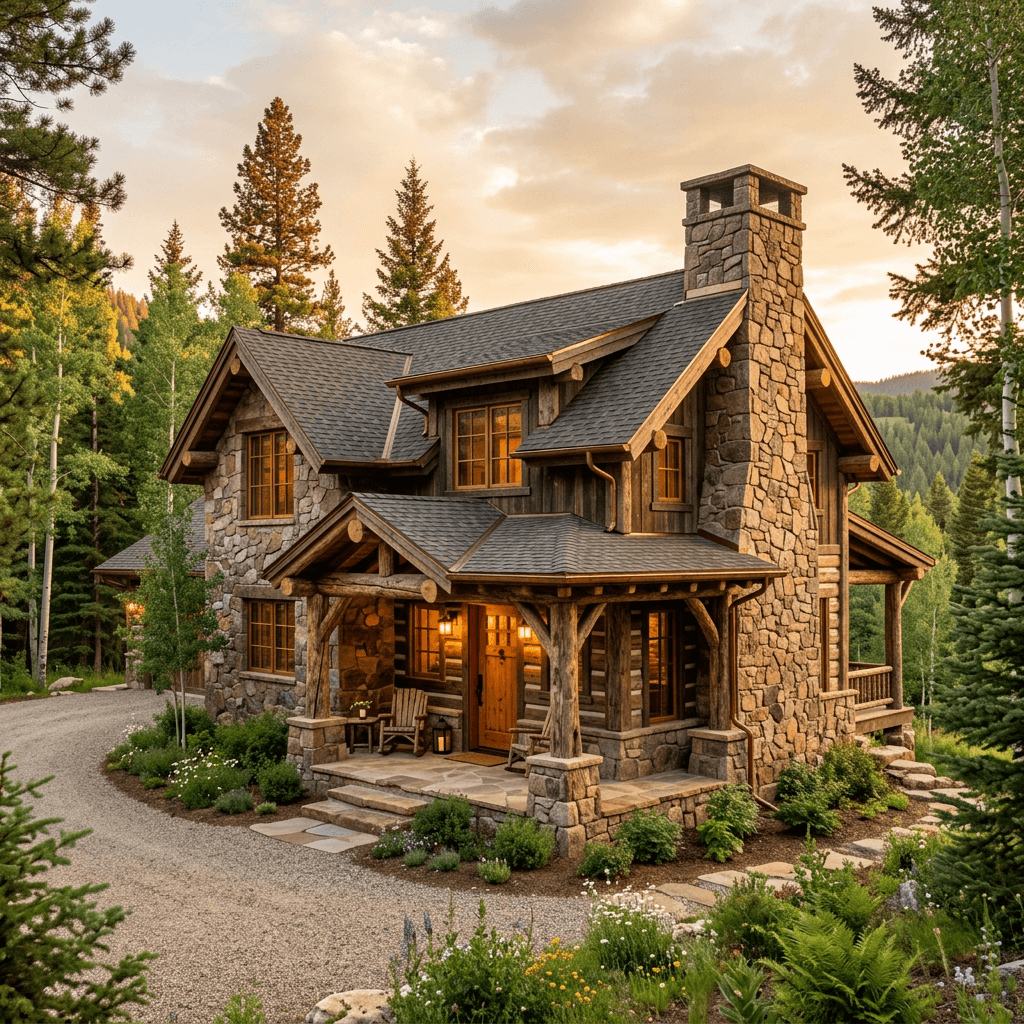
31 styles — modern, contemporary, farmhouse, Mediterranean, Scandinavian, industrial, French country and more.
Compare before you commit
Generate several looks and compare colour, cladding and trim choices on your own house rather than a sample photo.
Try the expensive decisions for free
Exterior changes are the hardest to undo: siding, brick paint, window trim and colour schemes cost thousands and stay for decades. An AI redesign of your own facade shows how a darker colour reads at street level, whether black window frames suit the house, or how far a style can go before it fights the architecture.
Use it to narrow the options and agree as a household before you collect quotes — then bring the image to the contractor so everyone is looking at the same picture.
What to compare between renders
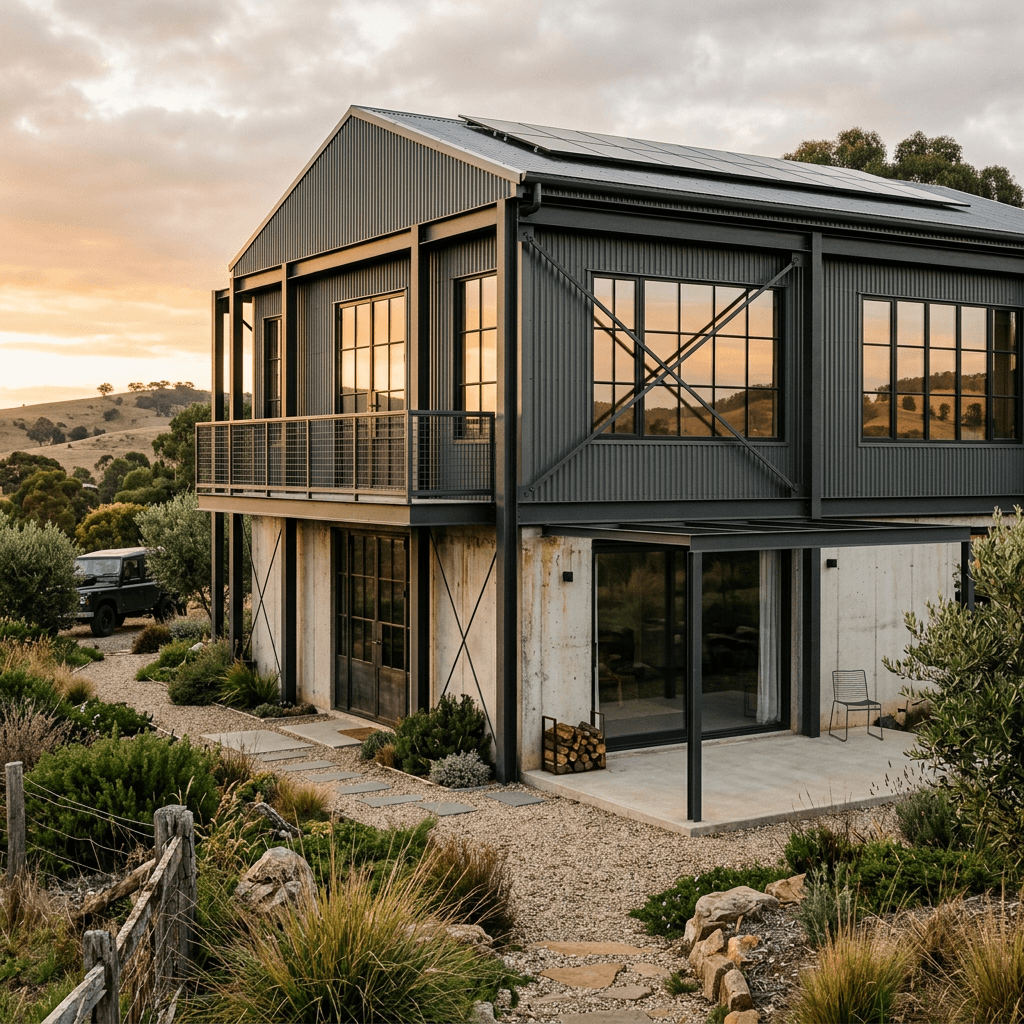
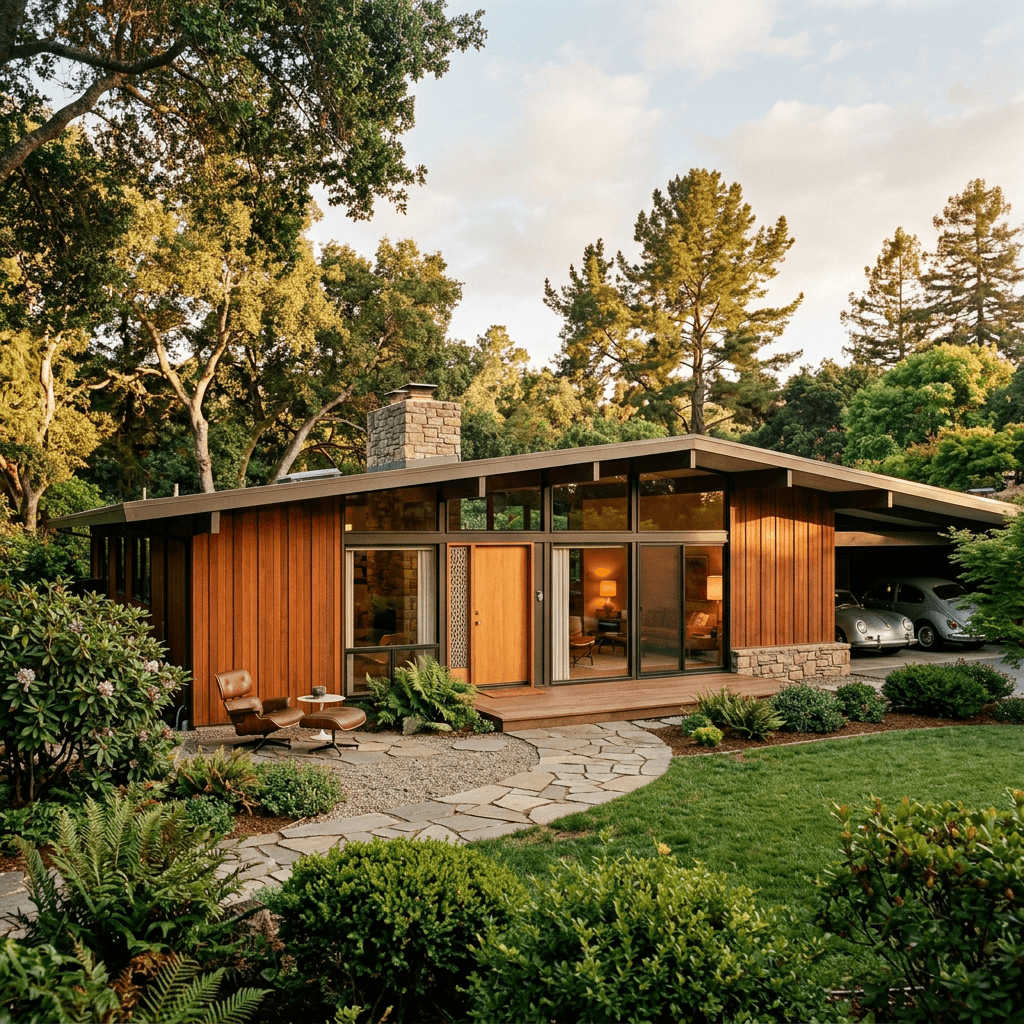
Look at three things in each version. Colour: a facade reads lighter in full sun and darker on an overcast day, so compare renders in the same light as your street. Contrast: dark window frames and trim against a light wall give a crisp, modern look; matching trim makes a house feel calmer and larger. Materials: mixing two cladding materials — wood with stone, or brick with board-and-batten — can break up a large flat wall, while three or more often looks busy.
Then step back to the street. Your house sits next to others, and a style that suits the house can still feel out of place on the block. Use the render to check the whole picture, not just the front door.
A concept, not a construction drawing
The redesign aims to keep your house’s shape and proportions, but it is a visual concept: it does not check structure, materials or cost. Before exterior work, check your municipality’s permit requirements — and, for heritage properties, any heritage rules — and get proper drawings and quotes.
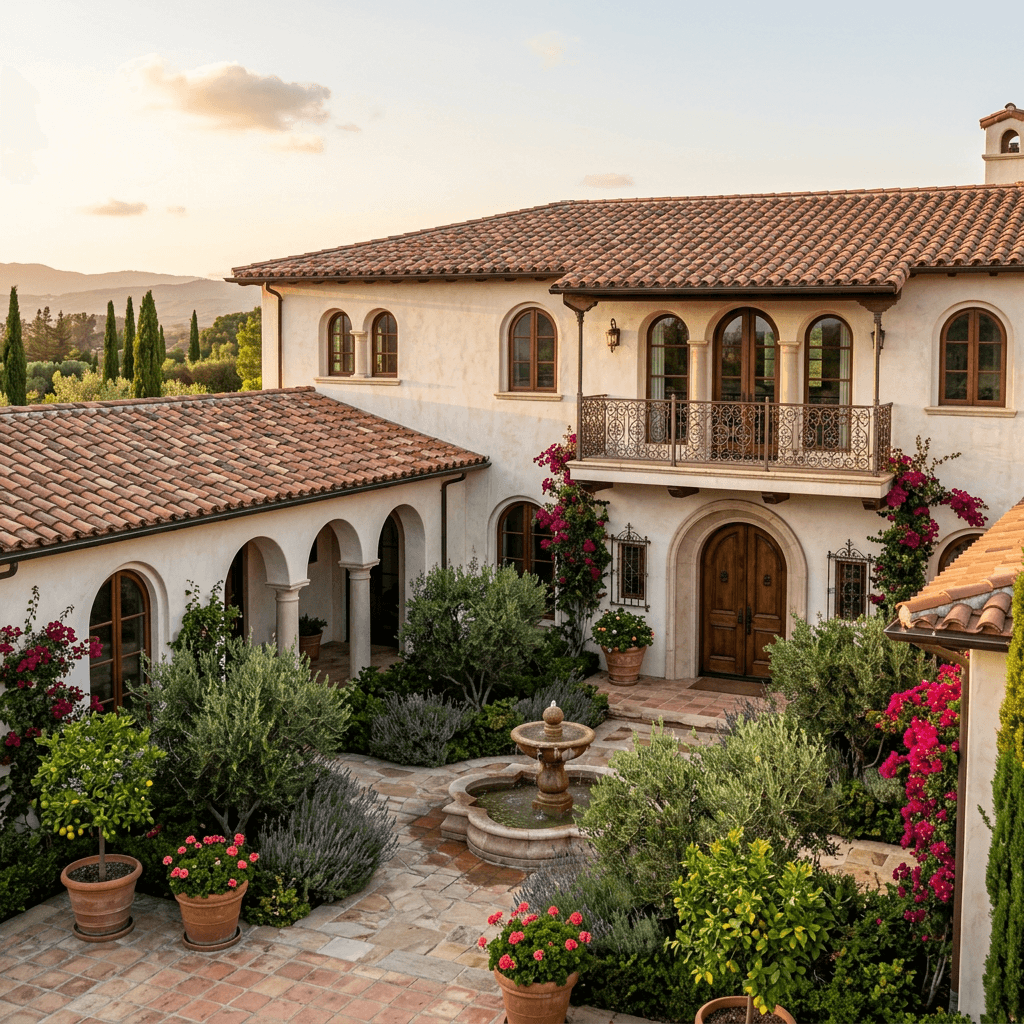
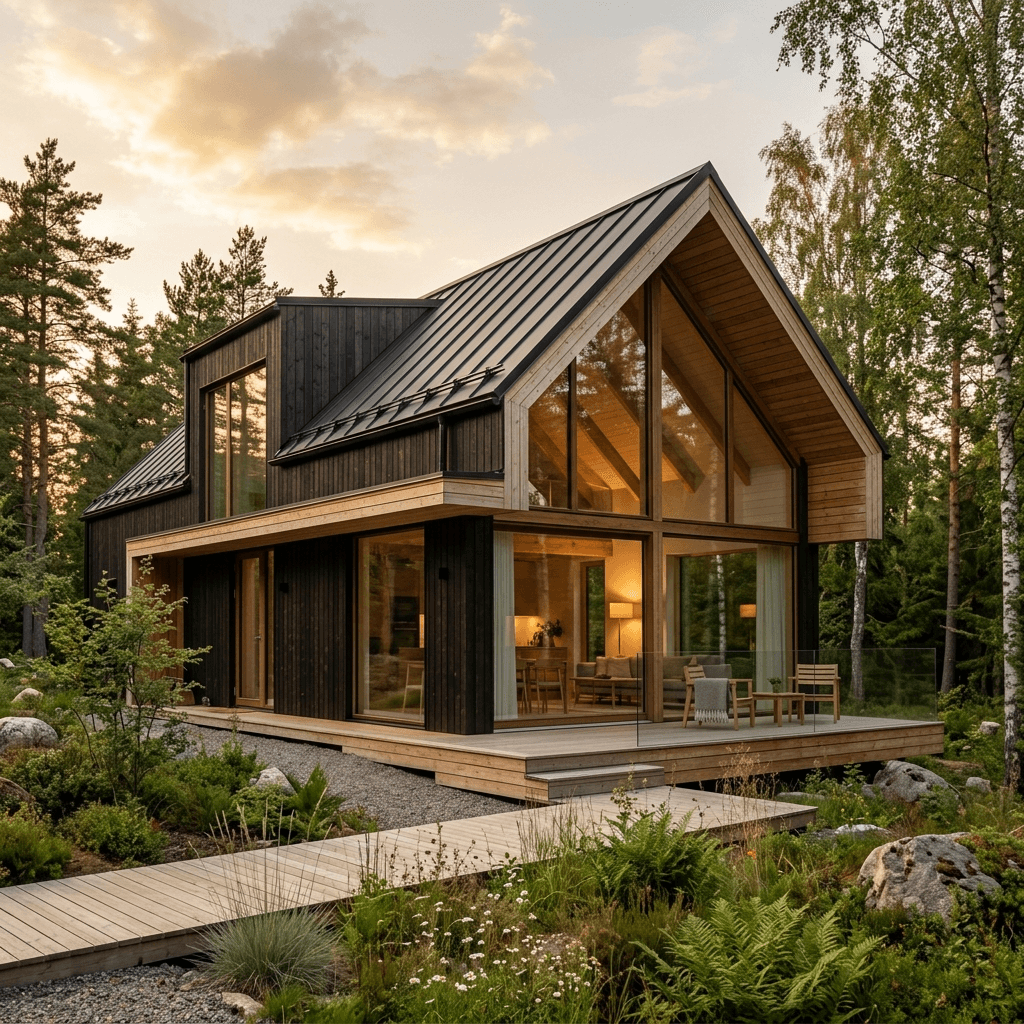
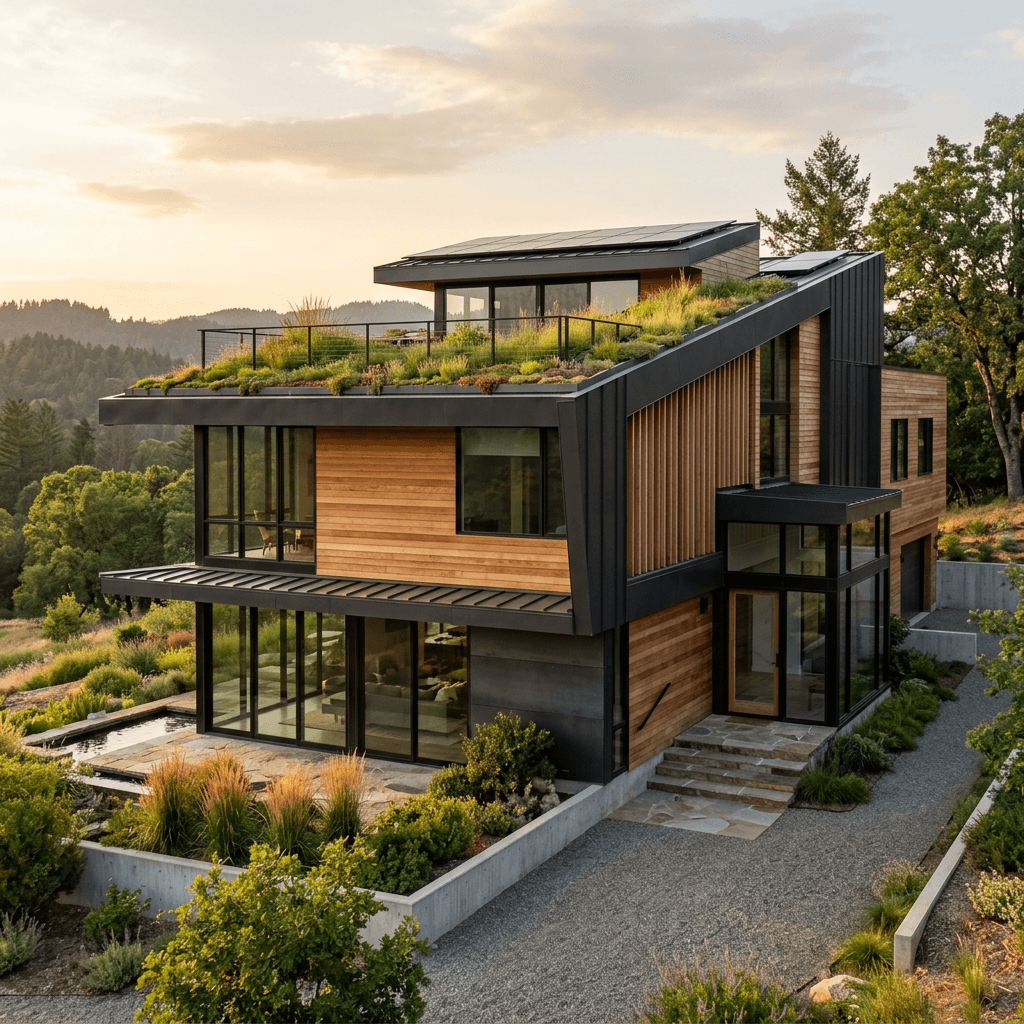
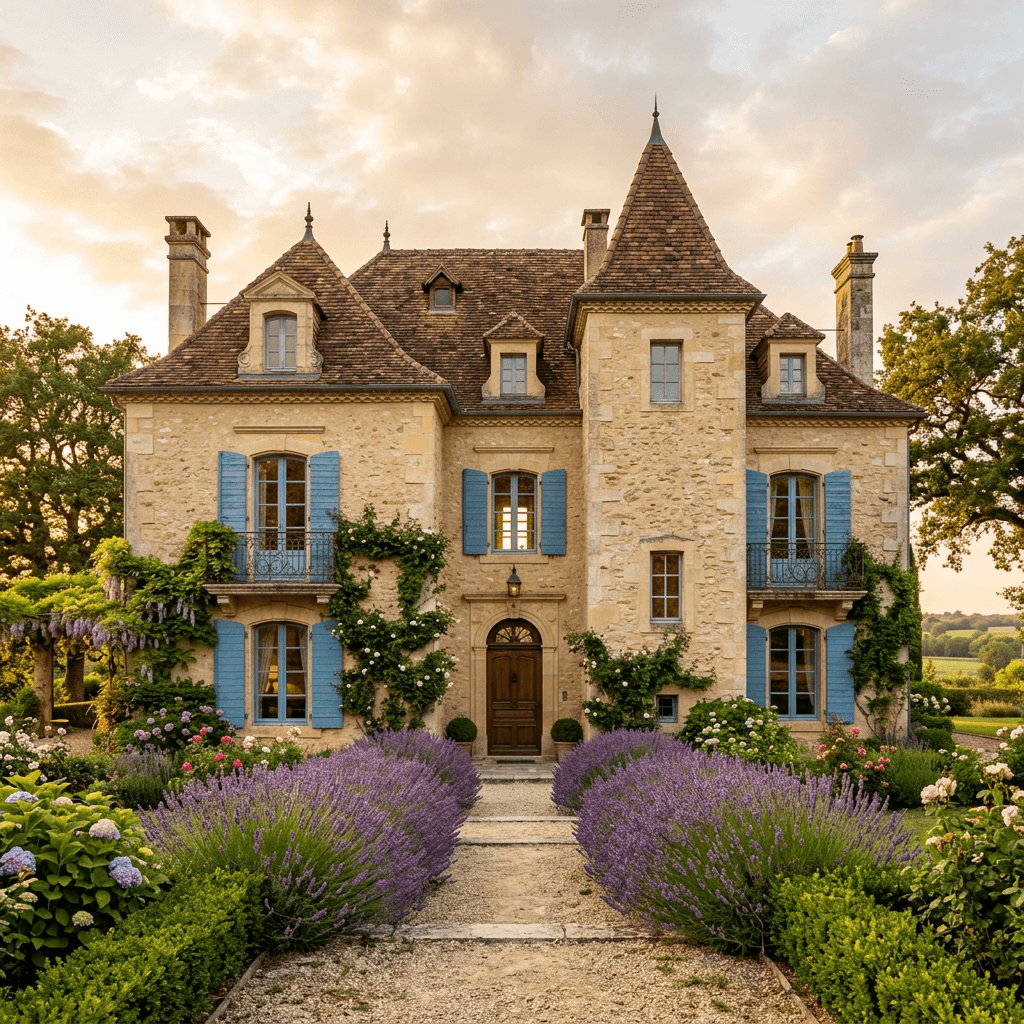
Exterior styles, rendered by iDecor
Planning the yard too?
For curb appeal beyond the facade, a landscape designer can turn your ideas into a planting and patio plan suited to Ontario winters — $199 CAD, in-home across the GTA.
See garden & patio designQuestions, answered
Is this the same as AI architecture software?+
No — it doesn’t produce plans or construction drawings. It restyles a photo of an existing house so you can see design options on your own home.
Will it change the shape of my house?+
It aims to keep your house’s shape and proportions while changing the style, colours and materials. Treat each render as a concept: if one drifts too far from your house, generate another.
What photo works best?+
A square-on daylight photo of the whole front of the house, without cars or trees blocking it.
Can I test exterior paint colours?+
Yes — each style comes with its own colour scheme, so generating several shows how lighter, darker and contrasting palettes look on your house. Treat the colours as a direction: before you buy paint, test real samples on the wall in daylight, because screens and renders shift colour.
Does it work for siding, brick and stone?+
The styles change cladding and trim along with colour — for example wood and stone in a modern or farmhouse look, stucco in a Mediterranean one — so you can compare materials as well as colours.
Is it free?+
Your first 5 designs are free every 30 days — sign in with Google and upload a photo. Free renders carry a small iDecor watermark. Paid plans start at $5 and remove the watermark.