
AI interior design from a photo of your room
See your own room in a new style before you buy a thing. Upload a photo, pick from 31 interior styles, and get a photo-real redesign that keeps your room’s walls, windows and layout — so the result is your space, not a stock picture.
5 free designs every 30 days · sign in with Google
Photograph the room
Any room — living room, bedroom, kitchen, office. Daylight and a corner angle that shows two walls work best.
Choose a style
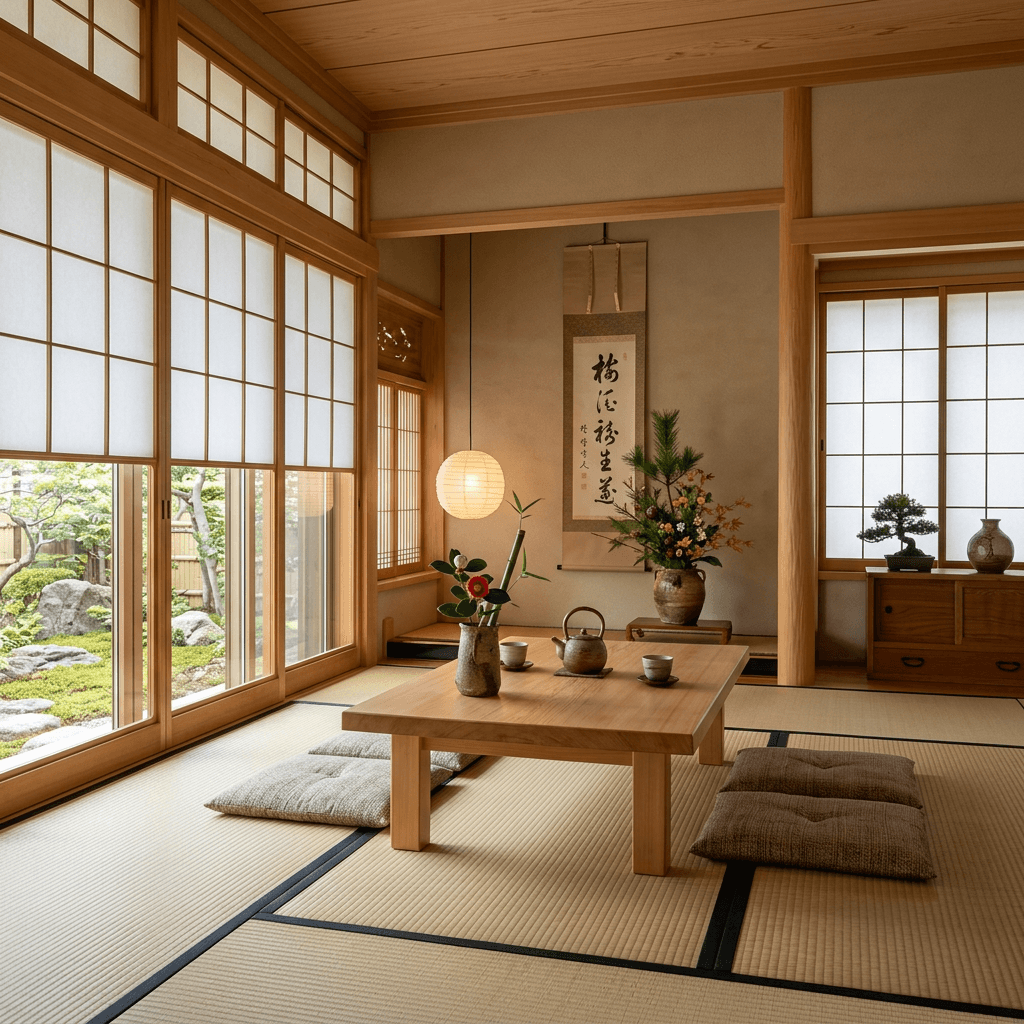
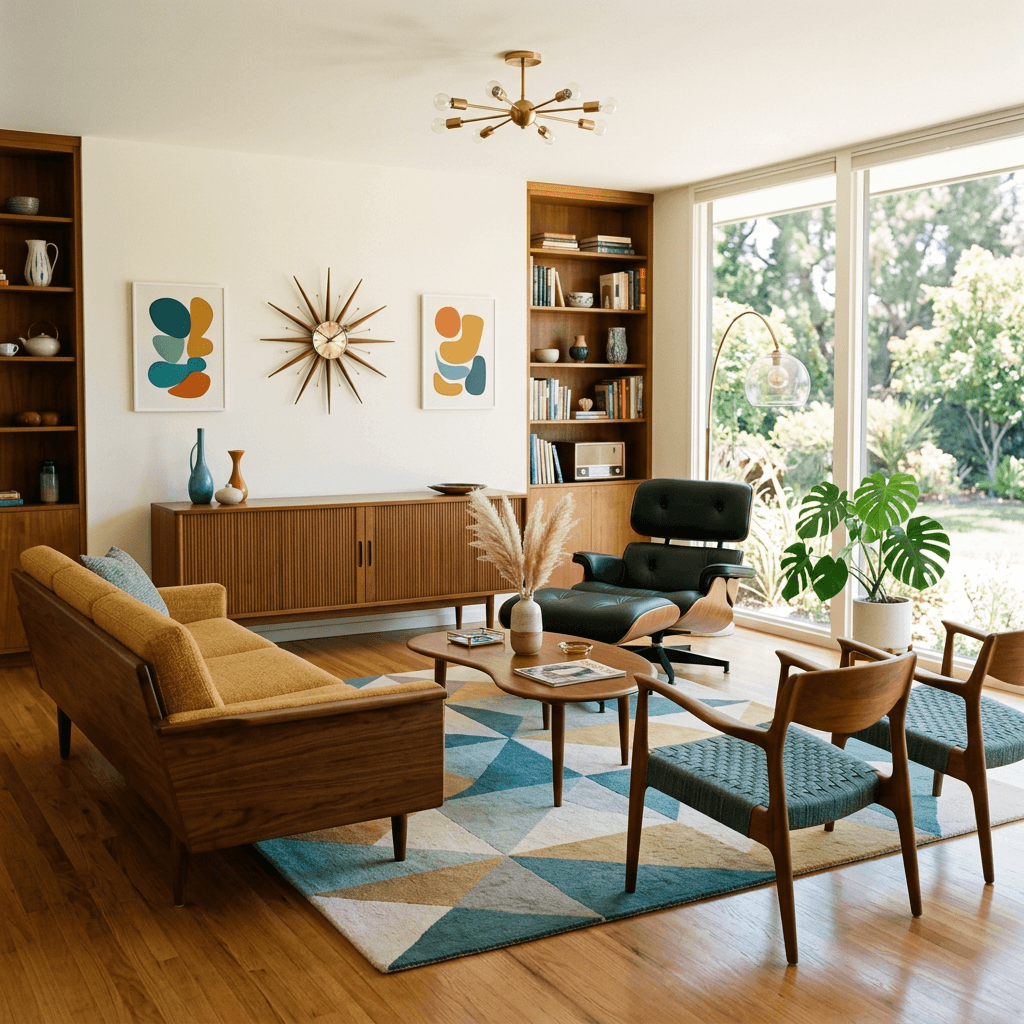
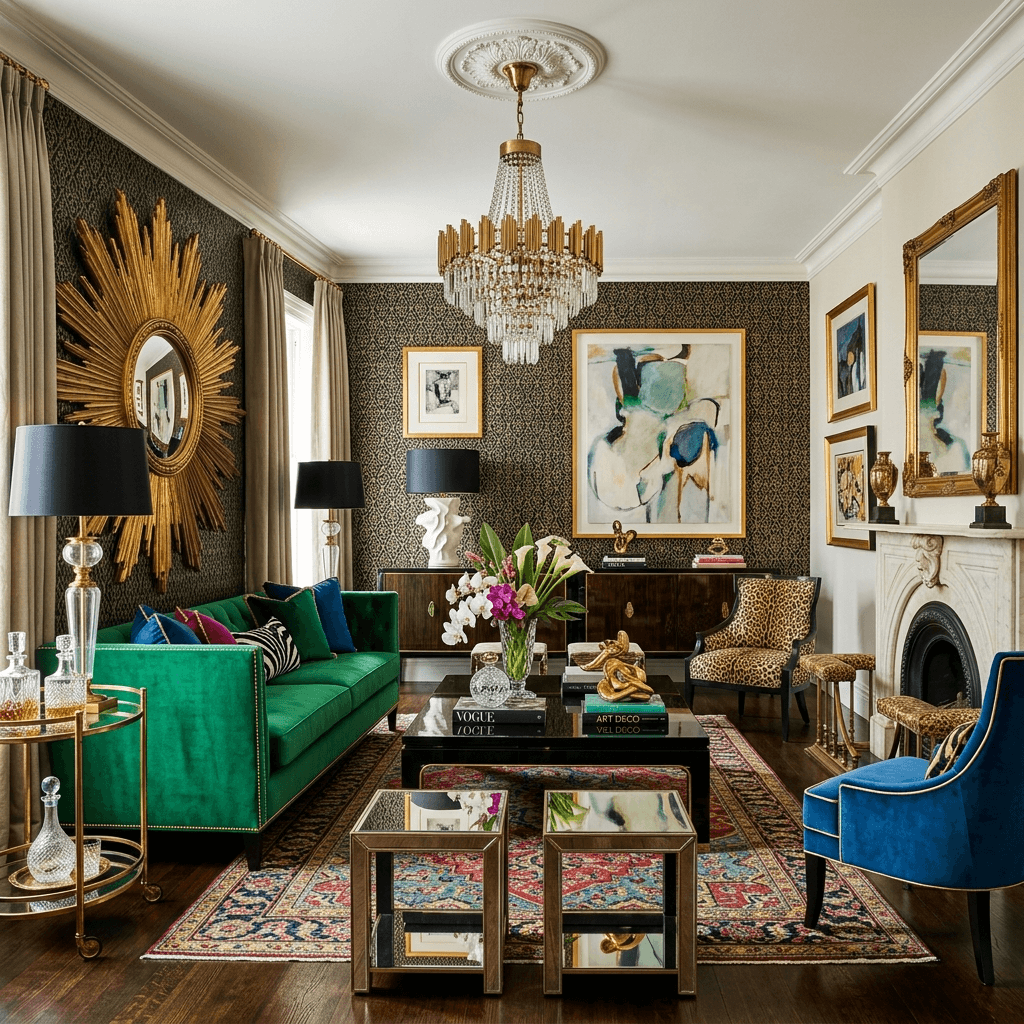
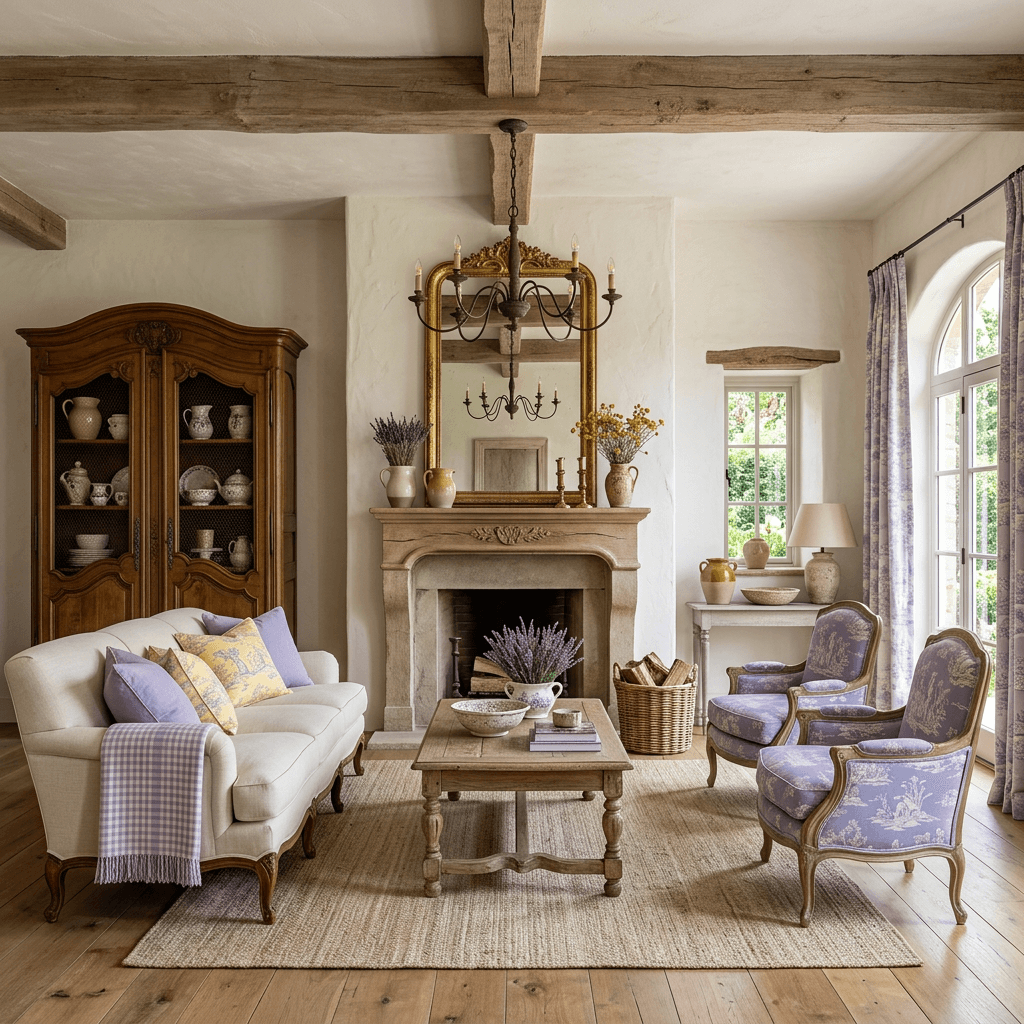
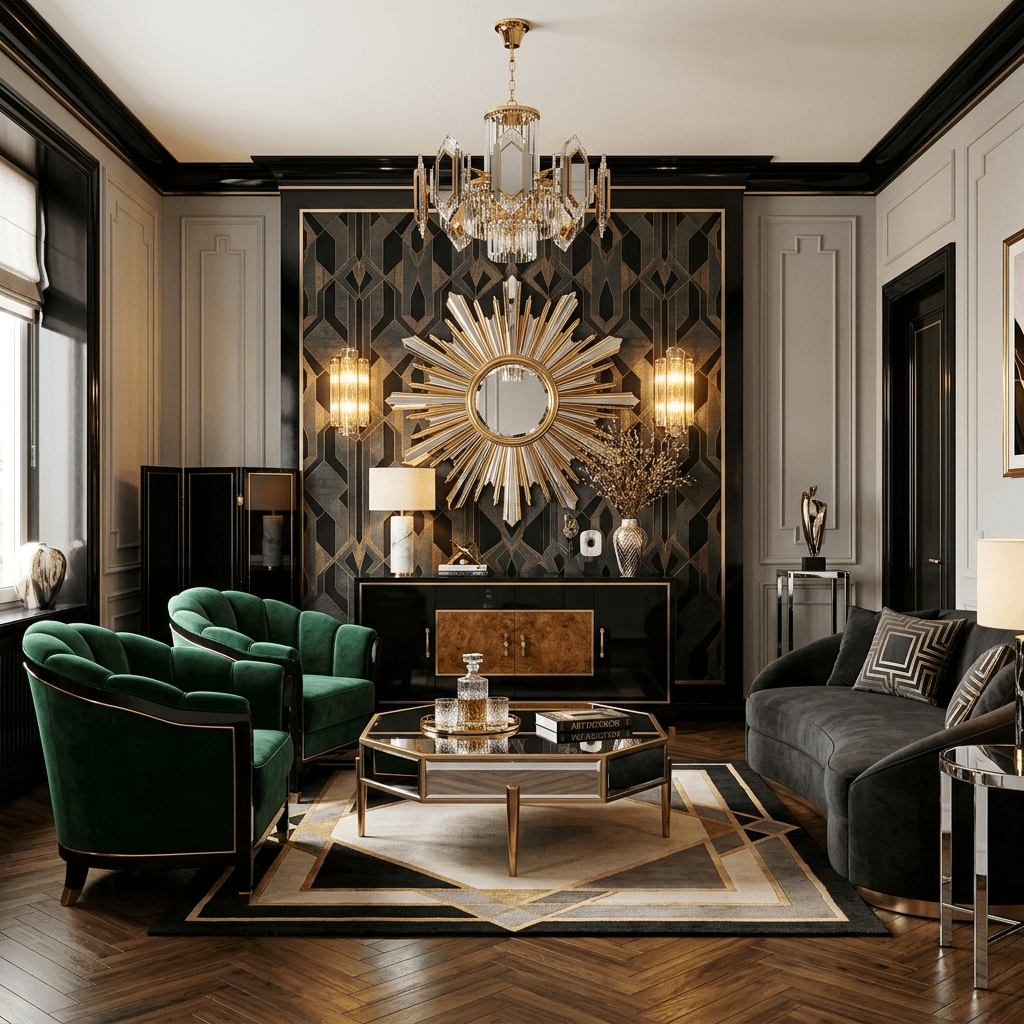
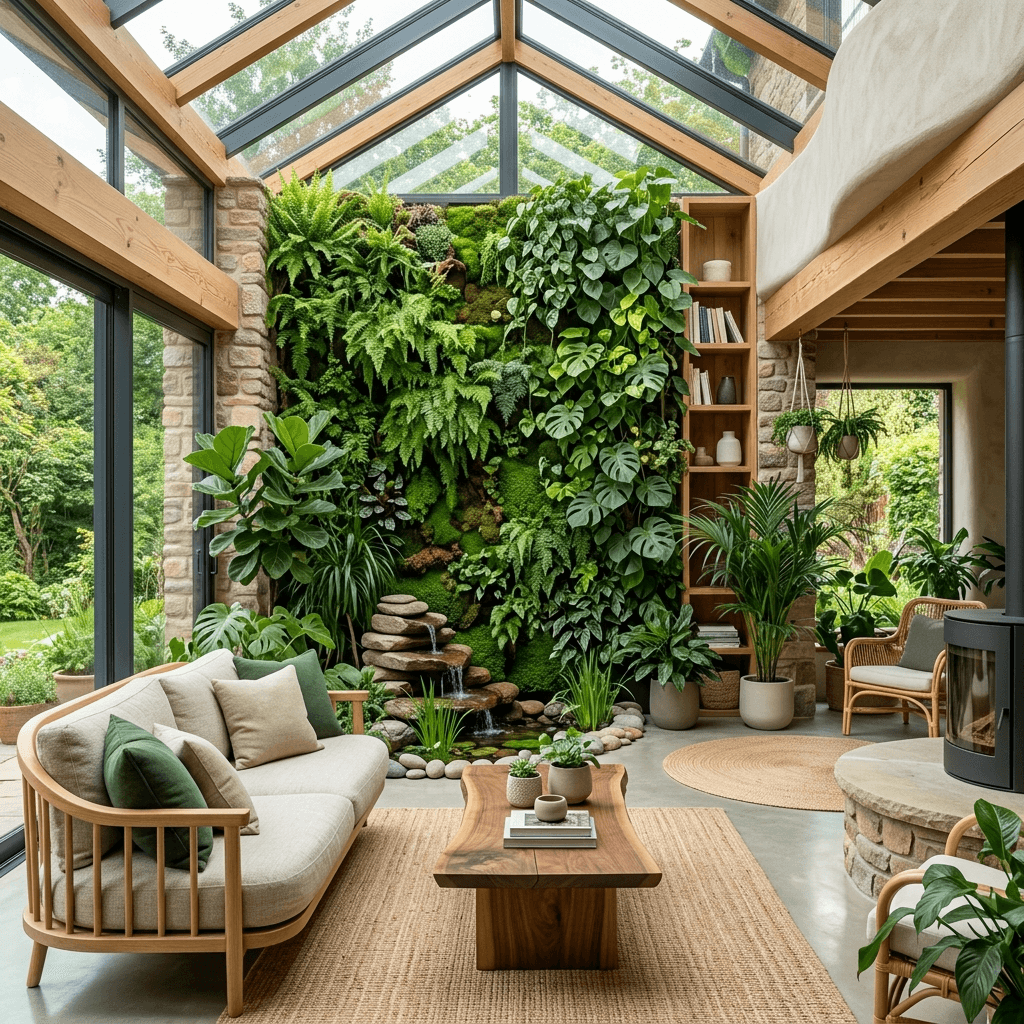
31 styles, from Scandinavian and mid-century modern to wabi-sabi and Hollywood Regency. Try several — each render takes under a minute.
Refine and keep the one you love
Edit single objects, swap a piece, or re-roll the design. Then use it as a brief for yourself, a contractor or a designer.
Use AI to decide, not just to dream
The hardest part of redecorating is committing: a paint colour, a sofa, a whole direction for a room. Seeing your actual room in three or four styles side by side makes that decision concrete. It shows you what a darker wall does to your light, whether a low-profile sofa opens the space, or why a style you love in magazines feels wrong in your house.
Because the redesign keeps your walls, windows and layout, what you see is achievable in your room — not a different, bigger room that happens to share a style.
Getting a better redesign
Shoot in daylight with the lights on, from a corner at chest height. Clear clutter you don’t want the AI to reinterpret. If a result is close but not right, re-roll it — the model varies the design each time — or edit just the object that bothers you instead of starting over.
Start broad (two or three very different styles), then narrow down. Once you know the direction, generate a few versions of the same style and compare the details.
Small rooms and condos
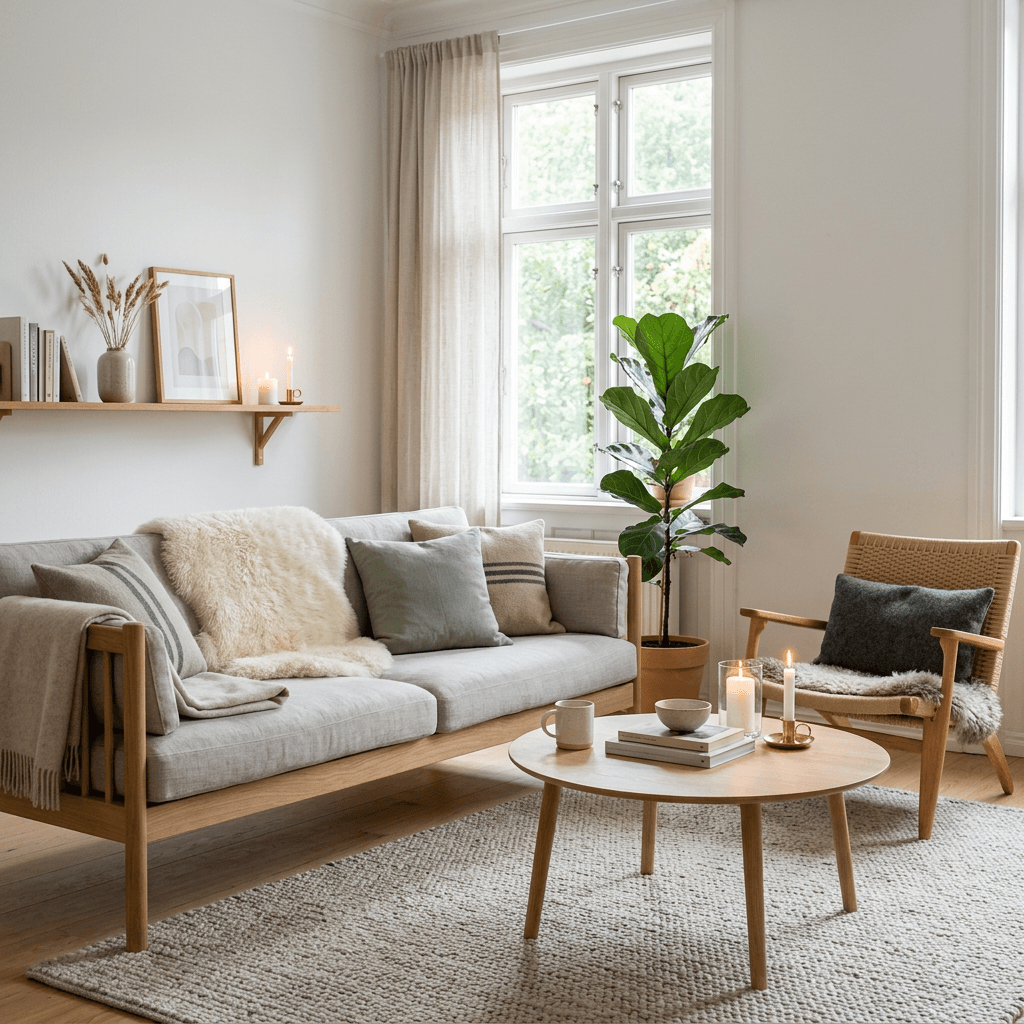
Small spaces are where seeing the result first pays off most. Light, low-contrast palettes, furniture on legs and fewer, larger pieces usually make a room feel bigger; dark walls can work too, if they are deliberate. Try a minimalist or Scandinavian style next to a bolder one in your own room and the difference is obvious in seconds.
From picture to plan
A render is a direction, not a shopping list. Take it to a designer for an hour and you leave with what is realistic for your budget, what to buy, and in what order. Paste your iDecor render link in the booking and the designer reviews it before you meet.
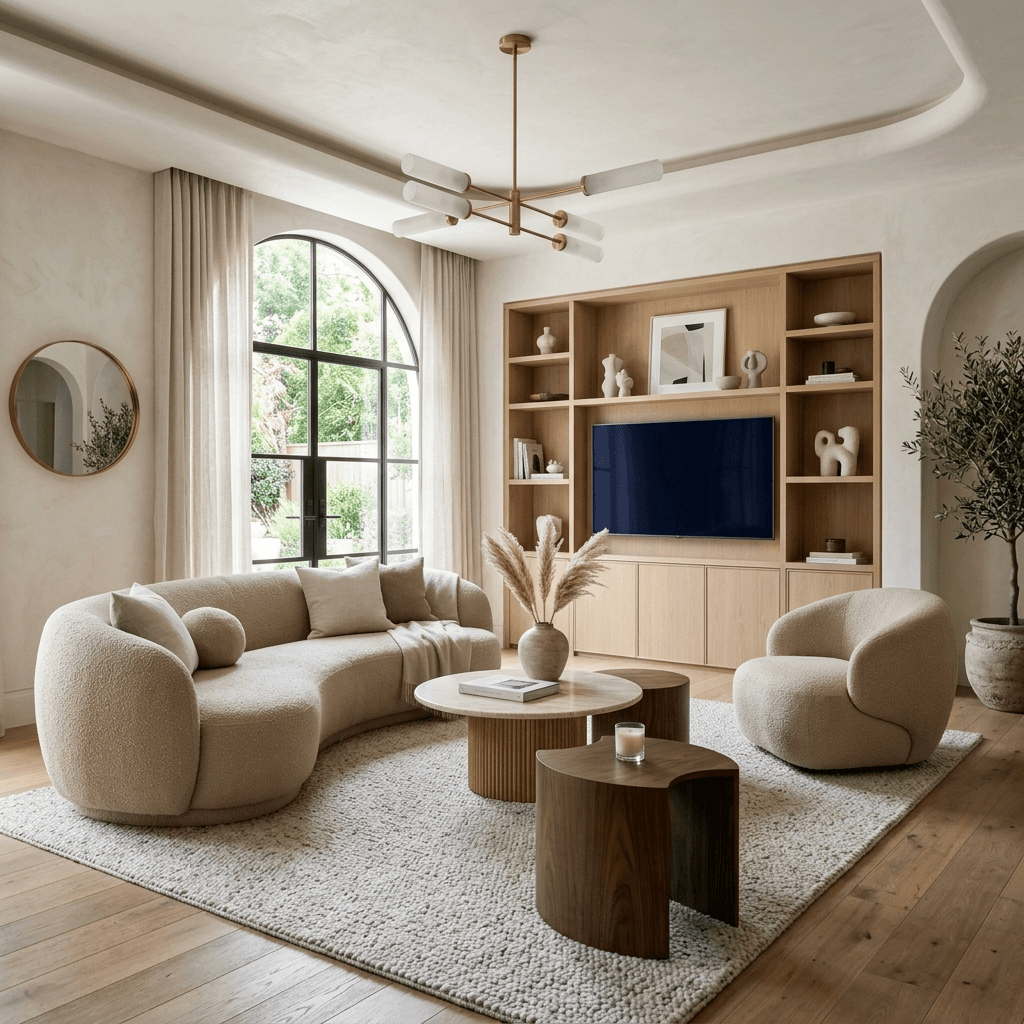
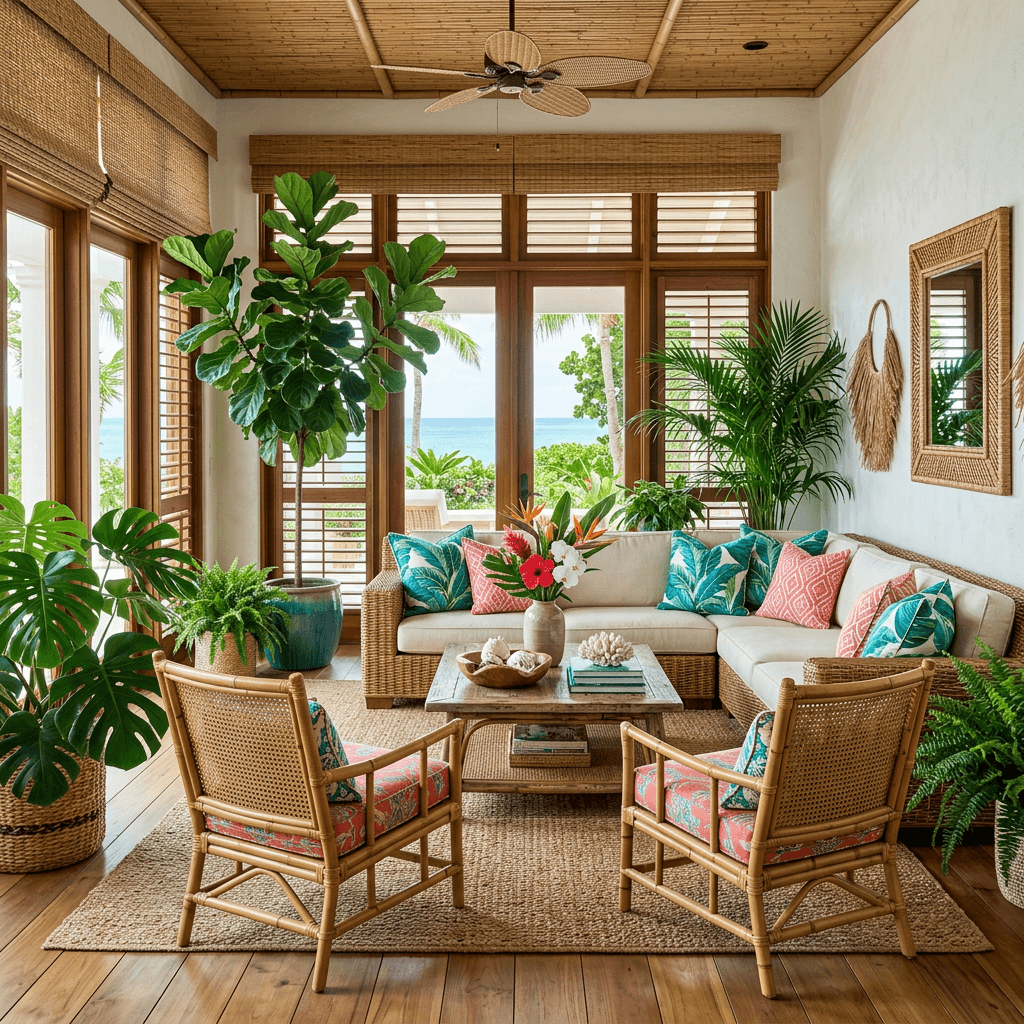
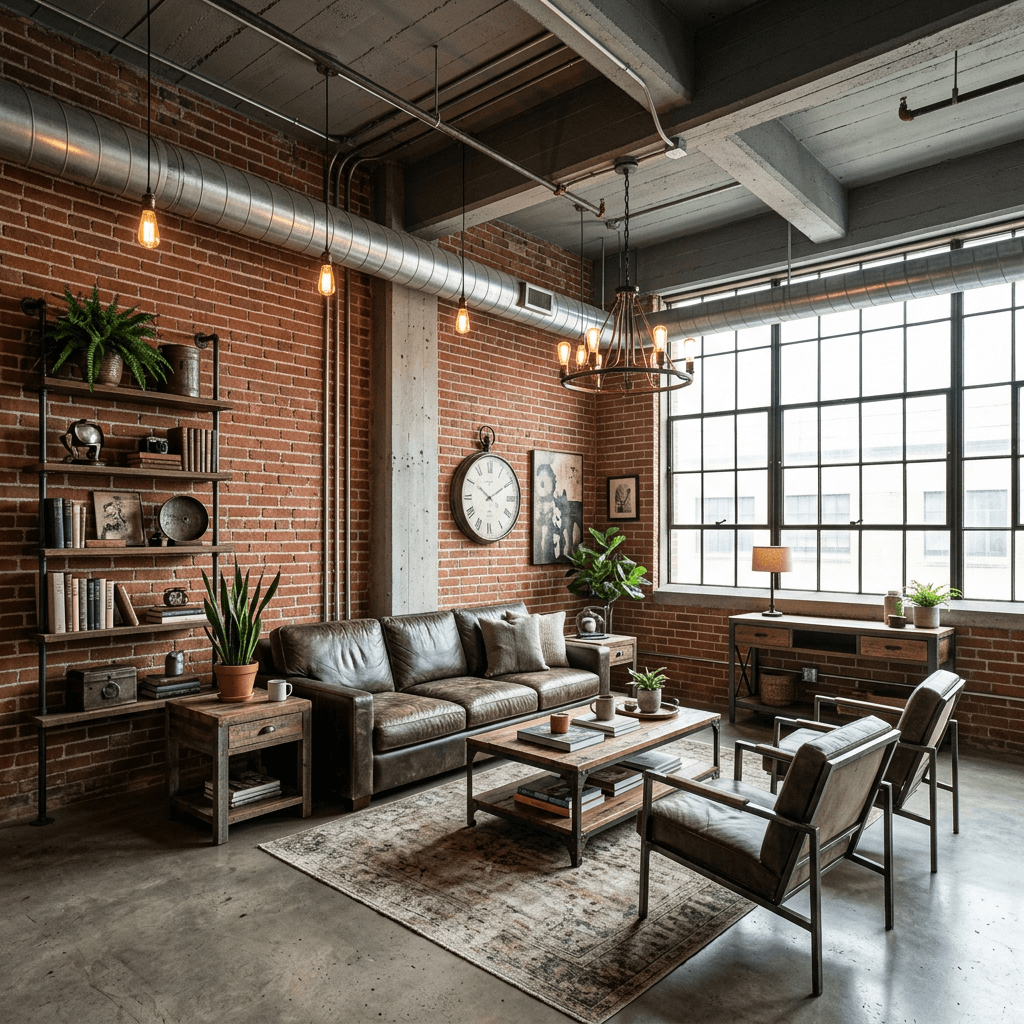
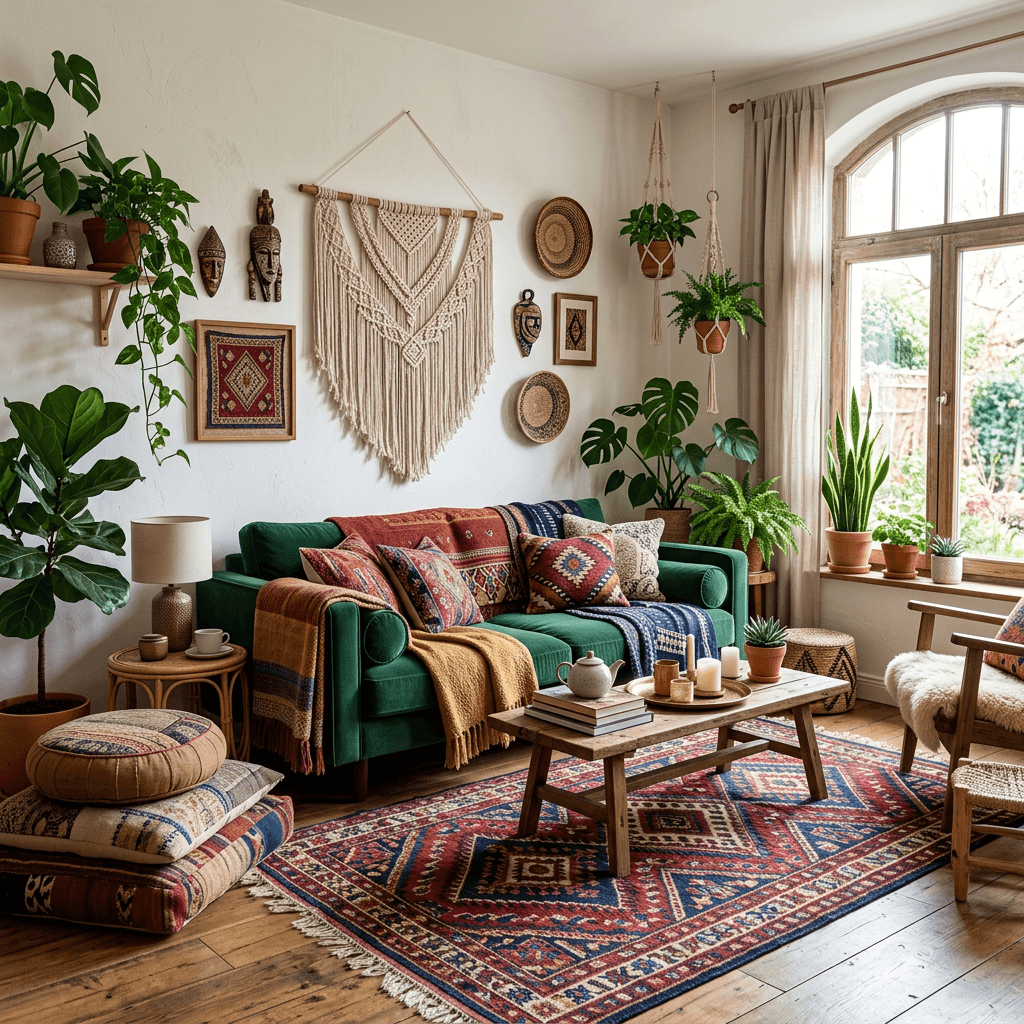
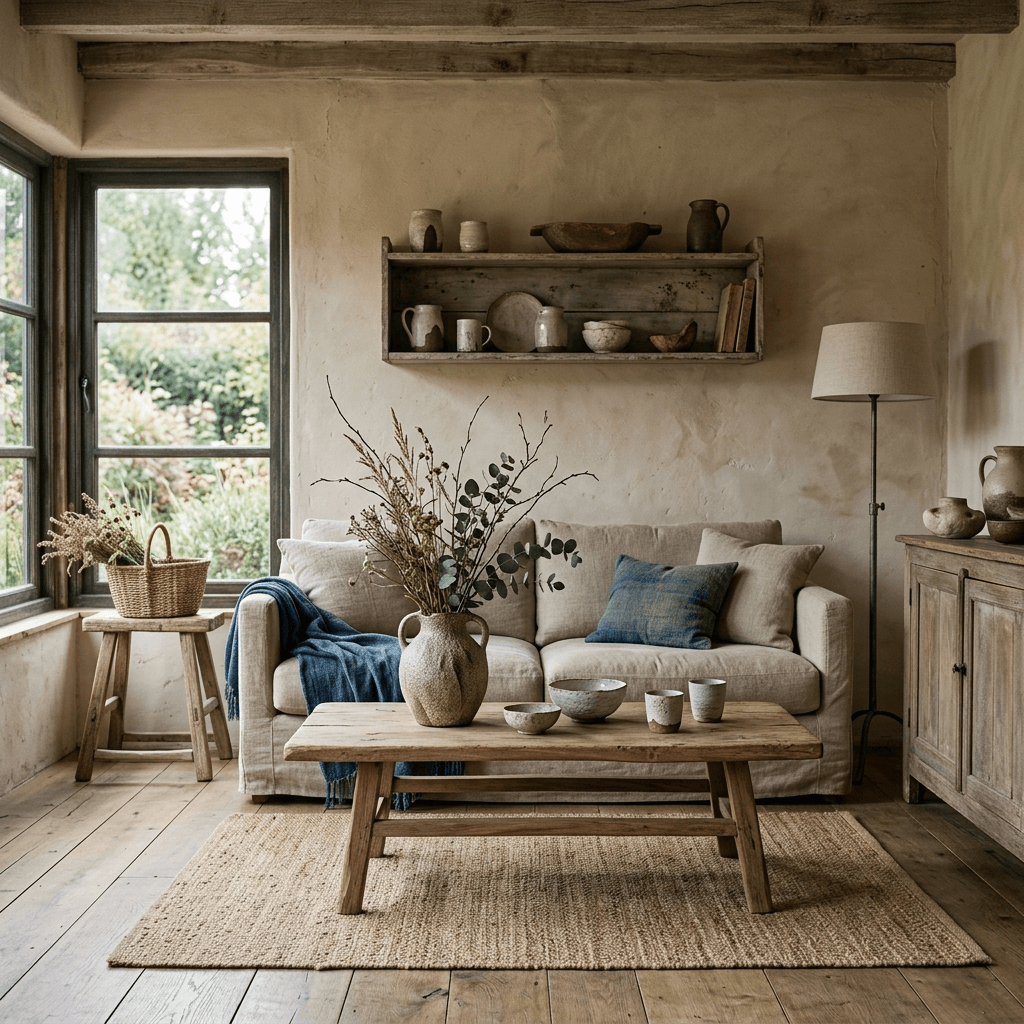
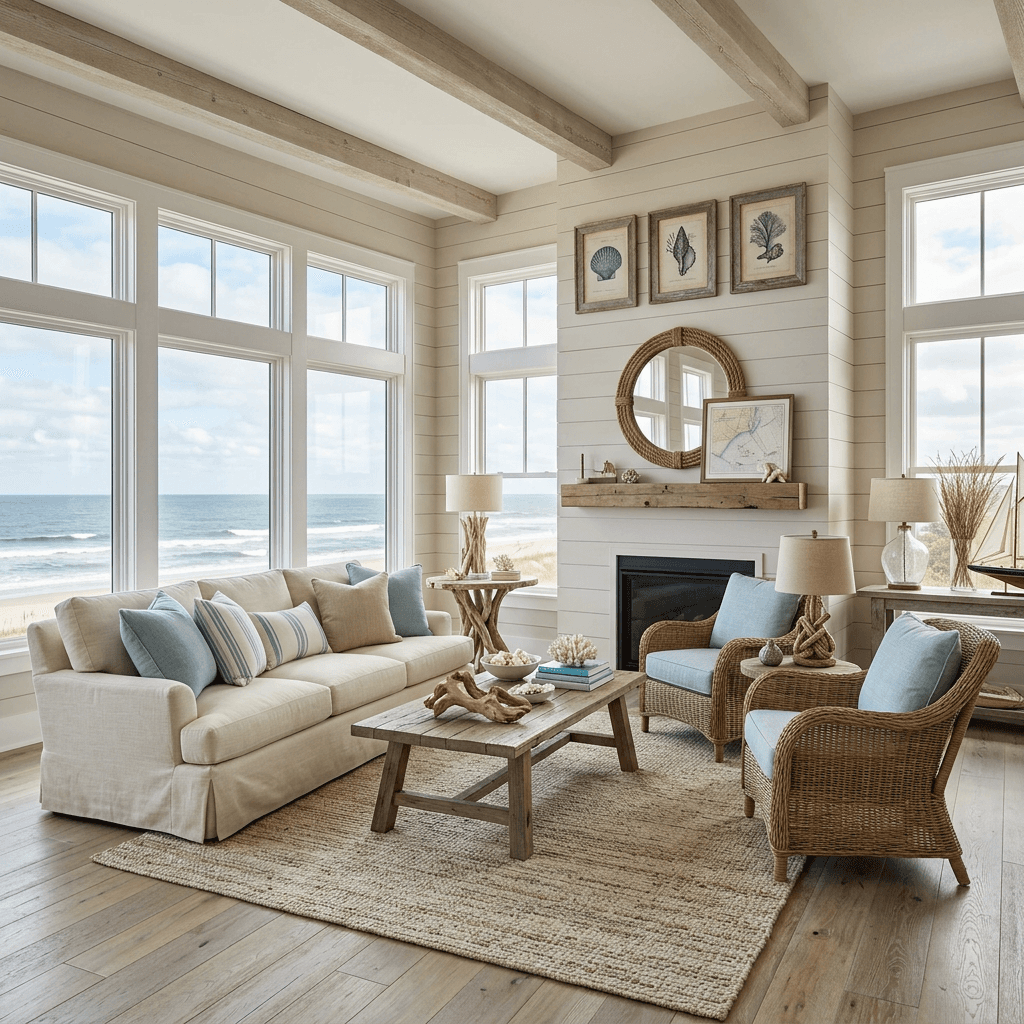
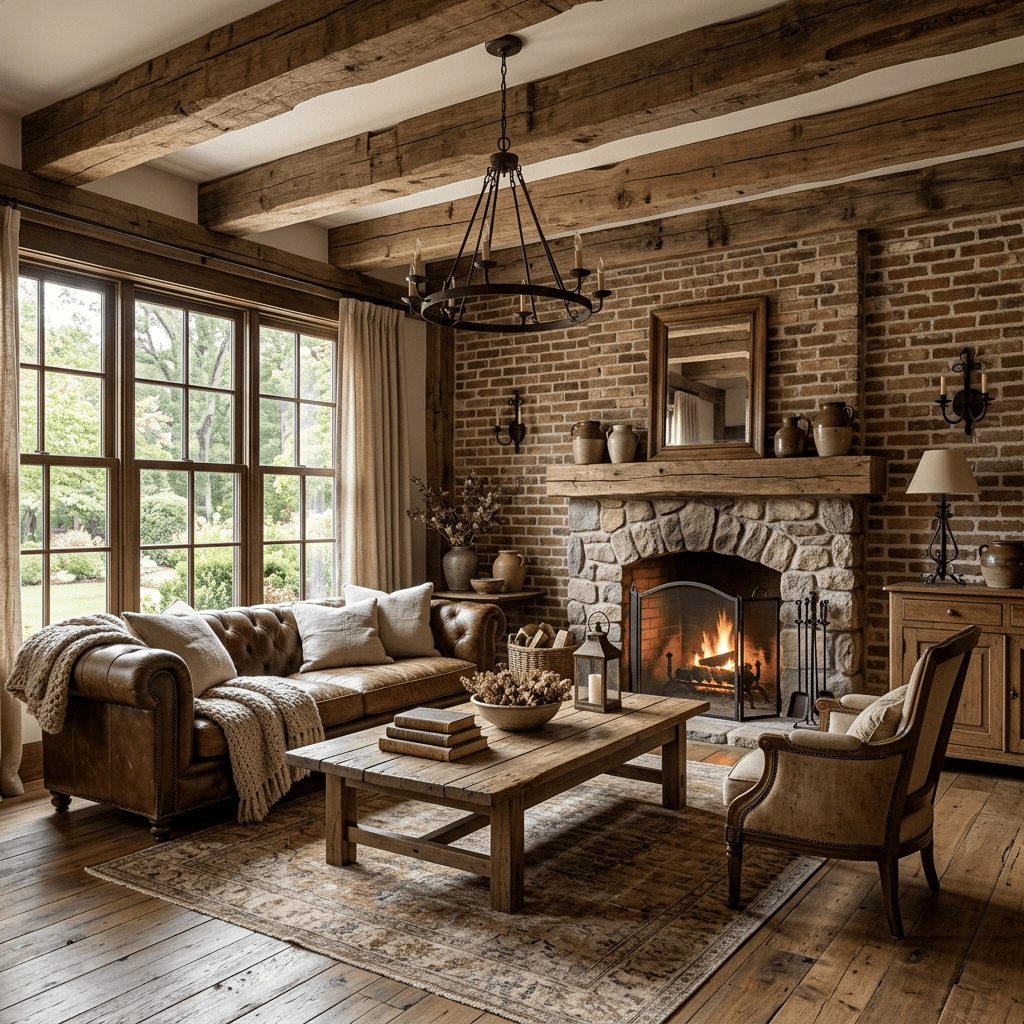
Some of the 31 styles, rendered by iDecor
Want a designer to make it real?
Book a one-hour interior design consultation ($129 CAD) to turn your render into a plan, or a complete room design package ($499 CAD) with a layout, palette and shopping list. In-home across the GTA or online across Canada.
See interior design servicesQuestions, answered
Does the AI keep my room’s layout?+
Yes. The redesign keeps the walls, windows and floor plan and changes furniture, colour, materials and decor, so the result is a realistic option for your actual room.
Which styles are available?+
31, including Modern, Rustic, Minimalist, Industrial, Professional, Tropical, Coastal, Tribal, Neoclassic, Vintage and more, plus a seasonal Christmas theme.
Can I change one item instead of the whole room?+
Yes — tap an object in the render to replace or remove it, or re-roll the design if you want a different take on the same style.
Can I shop the look?+
Each render can show "Shop the Look" hotspots on the furniture and decor it detects, with links to similar items.
Is it free?+
Your first 5 designs are free every 30 days — sign in with Google and upload a photo. Free renders carry a small iDecor watermark. Paid plans start at $5 and remove the watermark.